
The 'recent activity' tab will capture all entries that have been recorded in the system, within a selectable timeframe. This is helpful when reviewing and discussing cases and you want to see recent entries easily, perhaps within your team meetings.
It is also helpful when a member of the team has been out for a few days / on vacation and needs to catch up on recent events.
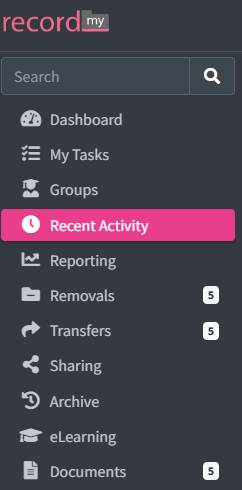
To access this click ‘Recent Activity’ on the left hand side of the screen.
Once you have done this - you can then select how many days worth of entries you wish to view by clicking the dropdown bar in ‘Timeframe’. This ranges from the last 3 days to the last 60 days.

It will then show all chronologies that have had entries input within the specified timeframe for you to scroll through.