You can add documents when you have the Document Mgr permission. To add a document click ‘Documents’ in the left hand menu.

Below Document Manager you will see your document categories with any documented added.
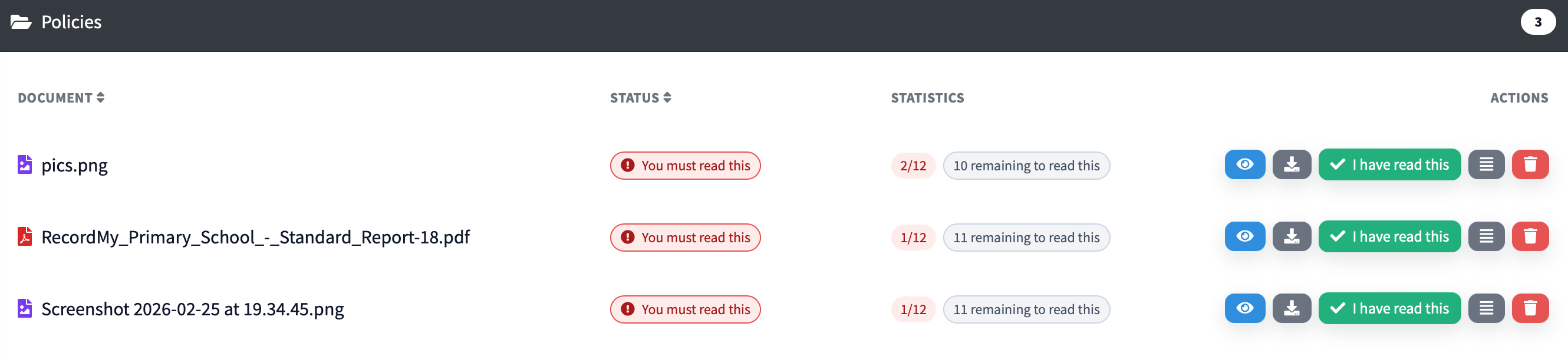
Click the blue eye symbol to mark a particular document as required read.
To see who has or hasn't read the document - you can either click on the red number under 'statistics'
or the three lines next to the bin icon. This will then show a list of names.
In the top left hand corner you will see these tabs:
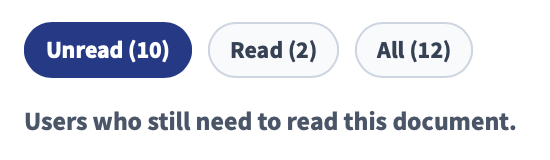
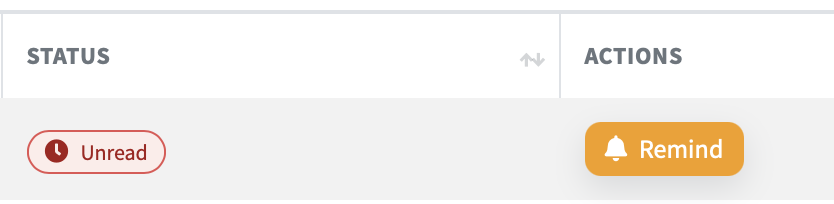
This will help you to see who has completed the task or not. From there you can see the status and choose the 'remind' button to send them a notification to let them know that the document still requires their attention.