
Check permissions
First, you should check you have permissions to add documents. In the top right menu under ‘Permissions’. You should select the user group on the left and check the ‘Document Manager’ permission is turned on.
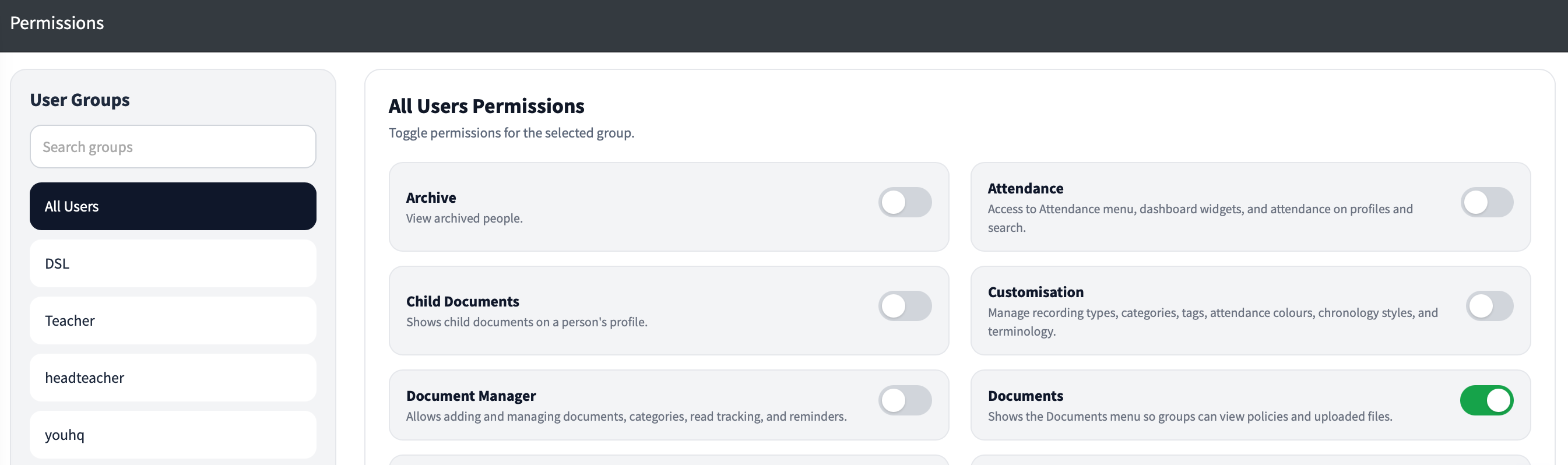
Access the documents section

At the top of the ‘Documents’ page you will see ‘Document Manager’.
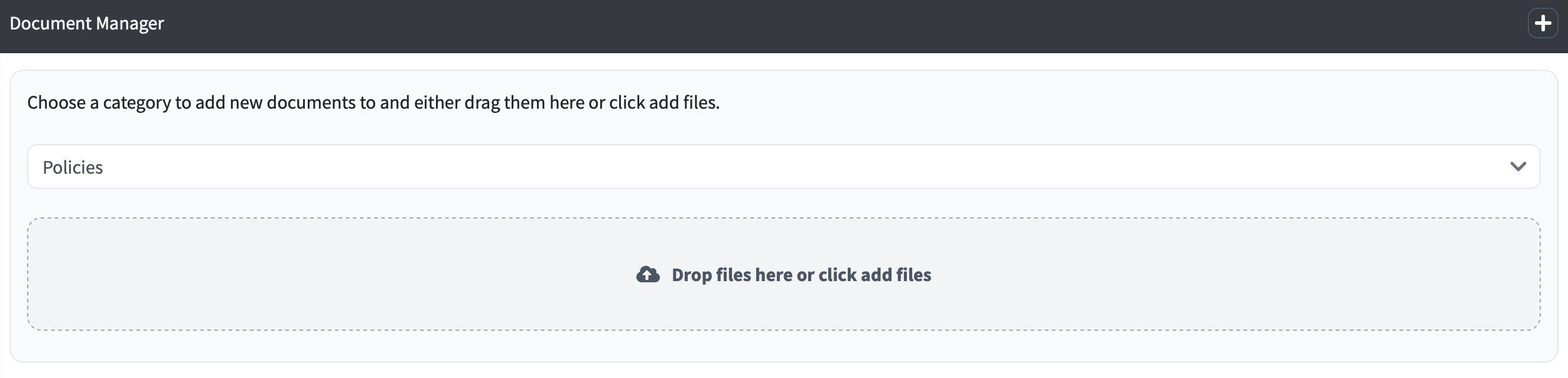
There is a dropdown menu which lists any categories that you have configured. To add a new category use the '+' icon in the top-right corner of the document manager.
Once you have chosen the document category, click to add files or drag the file to this section:

One you drag or click to add a document, the document is immediately added to the page and you will see a message to show it has successfully uploaded