
You can add documents when you have the Document Mgr permission. To add a document click ‘Documents’ in the left hand menu.

You will see Document Manager at the top.
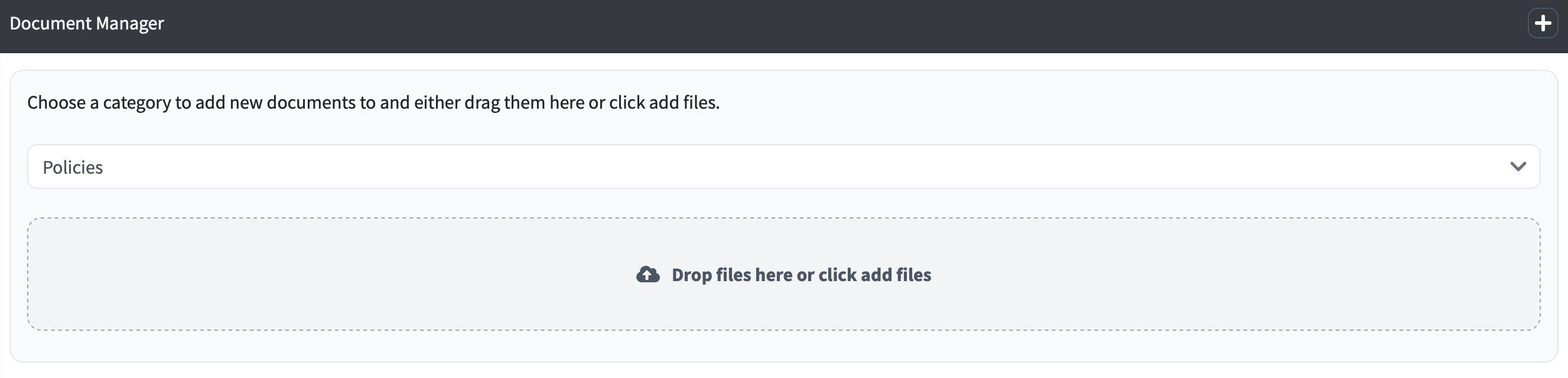
If you would like to add a category click the arrow pull down and then select the category you would like and then simply drag the files you would like to add

You can now add documents to the new category.