You can restrict access for specific users or groups to specific people, for example - students or staff. You may want to prevent a privileged users from accessing their own child’s records or restrict a member of staff from viewing their own records. To configure this, you must have the ‘Manage Users’ permission in Users & Groups

To apply these restrictions - view the staff member or student in the normal way. You will see a button at the top ‘Permissions’:

This will show you a box where you can choose from User or Group and search for the user you would like to apply the restriction to:
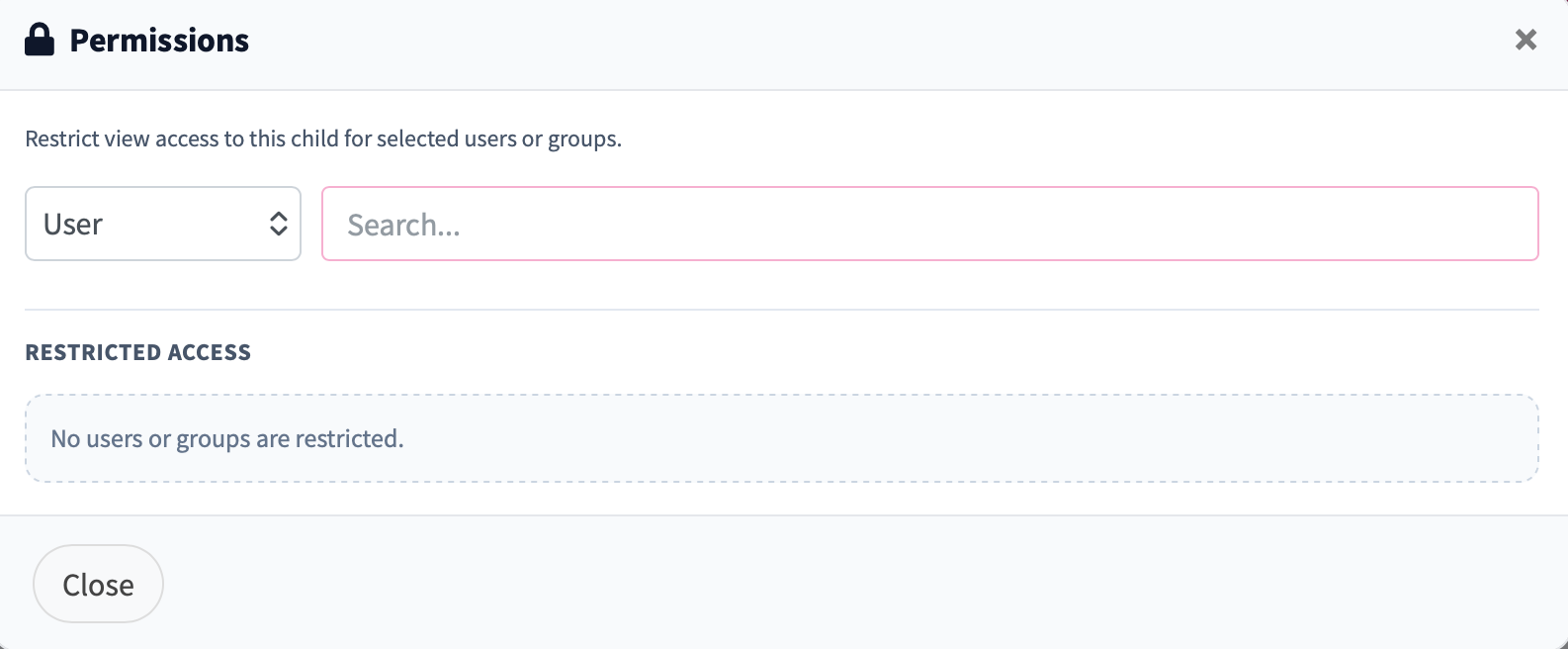
To add the restriction, click the ‘+' icon and they will move to the 'Restricted Access’ section. You can also remove them here to restore their access:
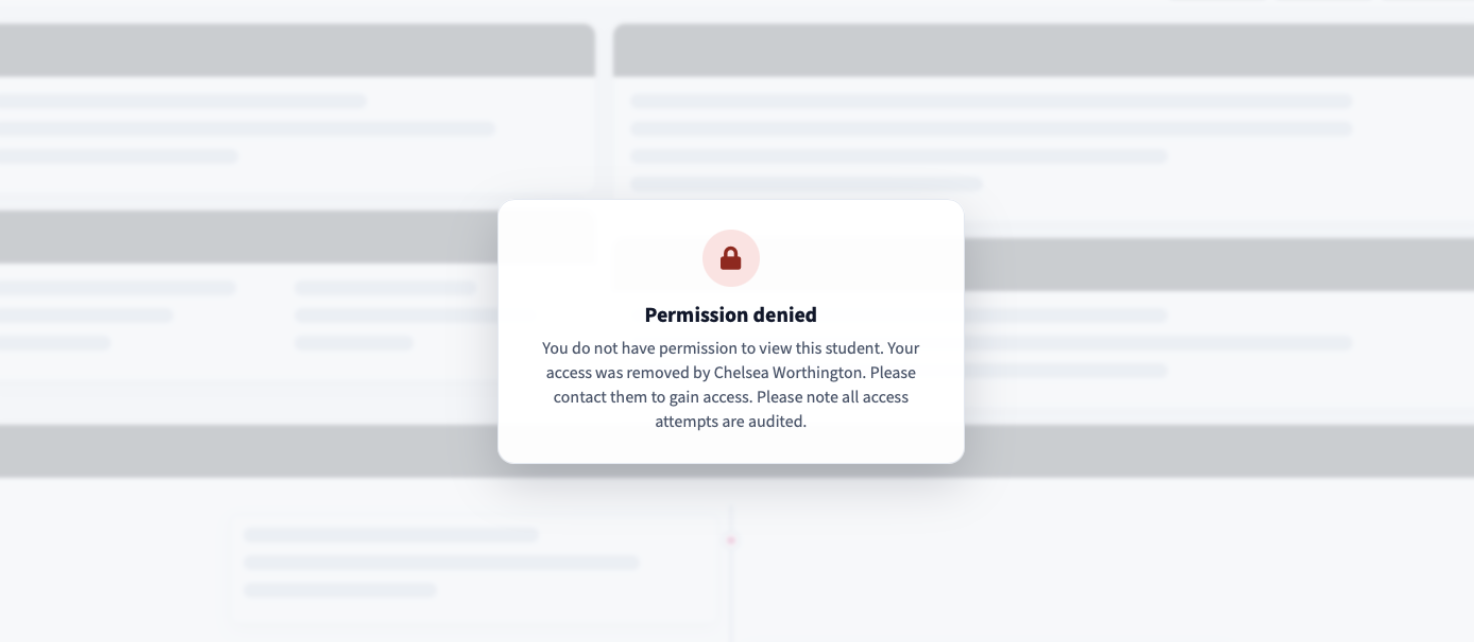
When a user or group is added here, they can still search and record new entries for that person. If they try to view the record they will see a page similar to: