
In order to be able to remove a user from a chosen group - you must first know how to add them to a group.
Once in the 'Users' list after adding to a group - simply click on the down arrow within the specific group box.
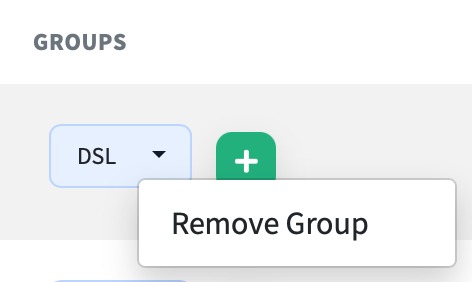
Click ‘Remove Group’ when it appears on the screen.
You can then easily see that you have removed the user from the selected group.