
The steps to removing a user are very similar to those of being able to add a user.
From the dashboard, select ‘Users & Groups’ from the ‘My Account’ tab on the top right hand corner of the screen.
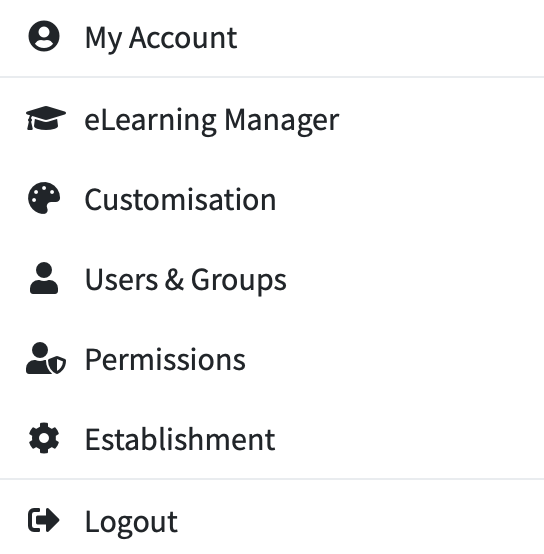
A list of current users will then appear, for you to choose from.
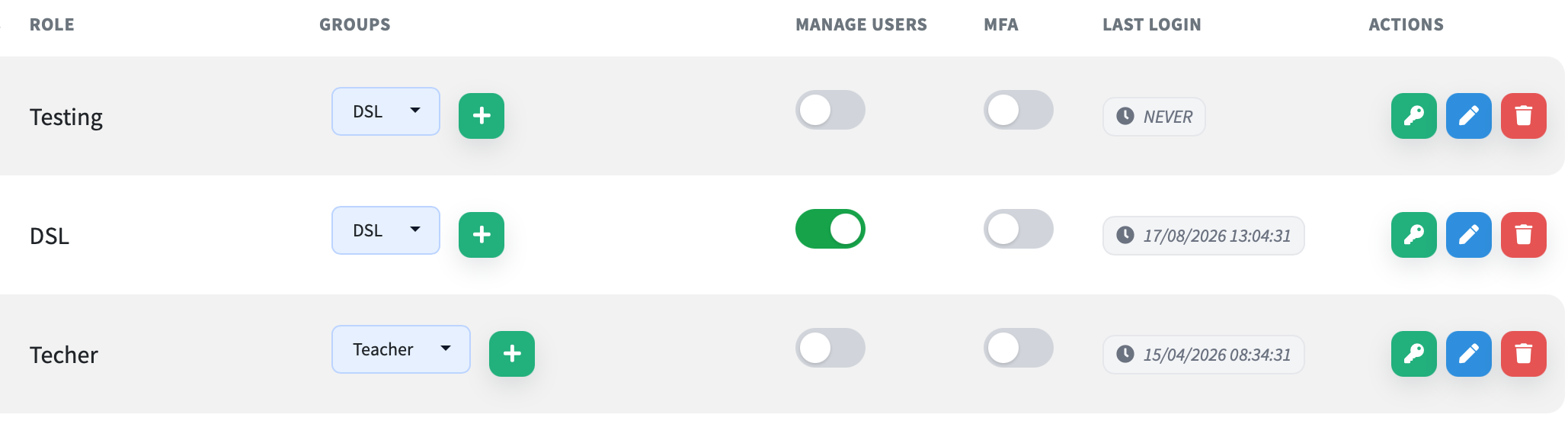
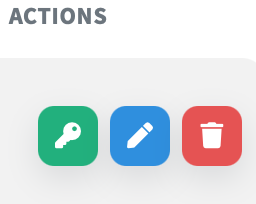
To remove a person - simply click the red bin symbol.
You will then receive a message asking you to confirm that you wish to delete by pressing ‘Yes’ or ‘No’.
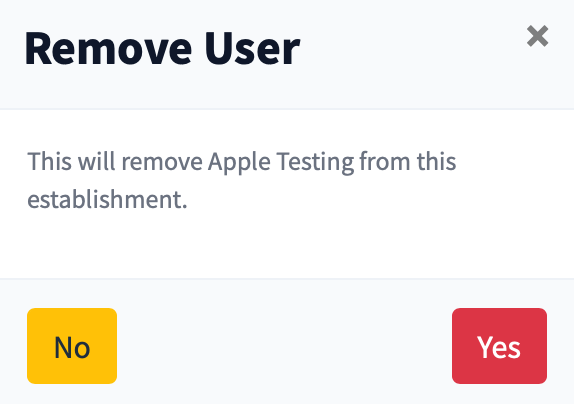
Once you have selected ‘Yes’ - the person you have selected to remove, will no longer appear in your list.