
From time to time, there may be instances where details of a current user will need to be changed. For example if they change e-mail address or surname etc.
In order to access this visit ‘Users & Groups’ from the ‘My Account’ tab on the dashboard by clicking in the top right hand corner of the screen.
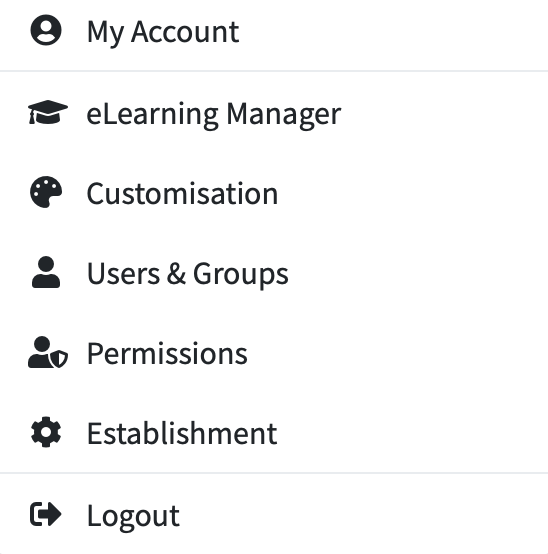
This will then show you your list of users.
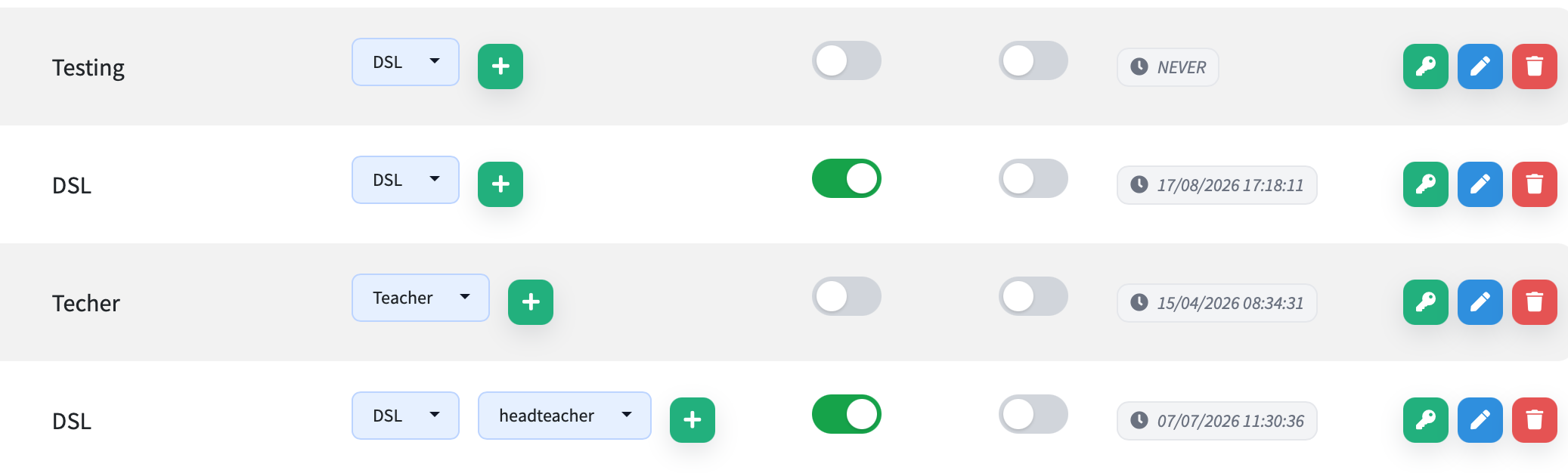
From here you can click the blue pen symbol button on the user you want to edit to show your options.
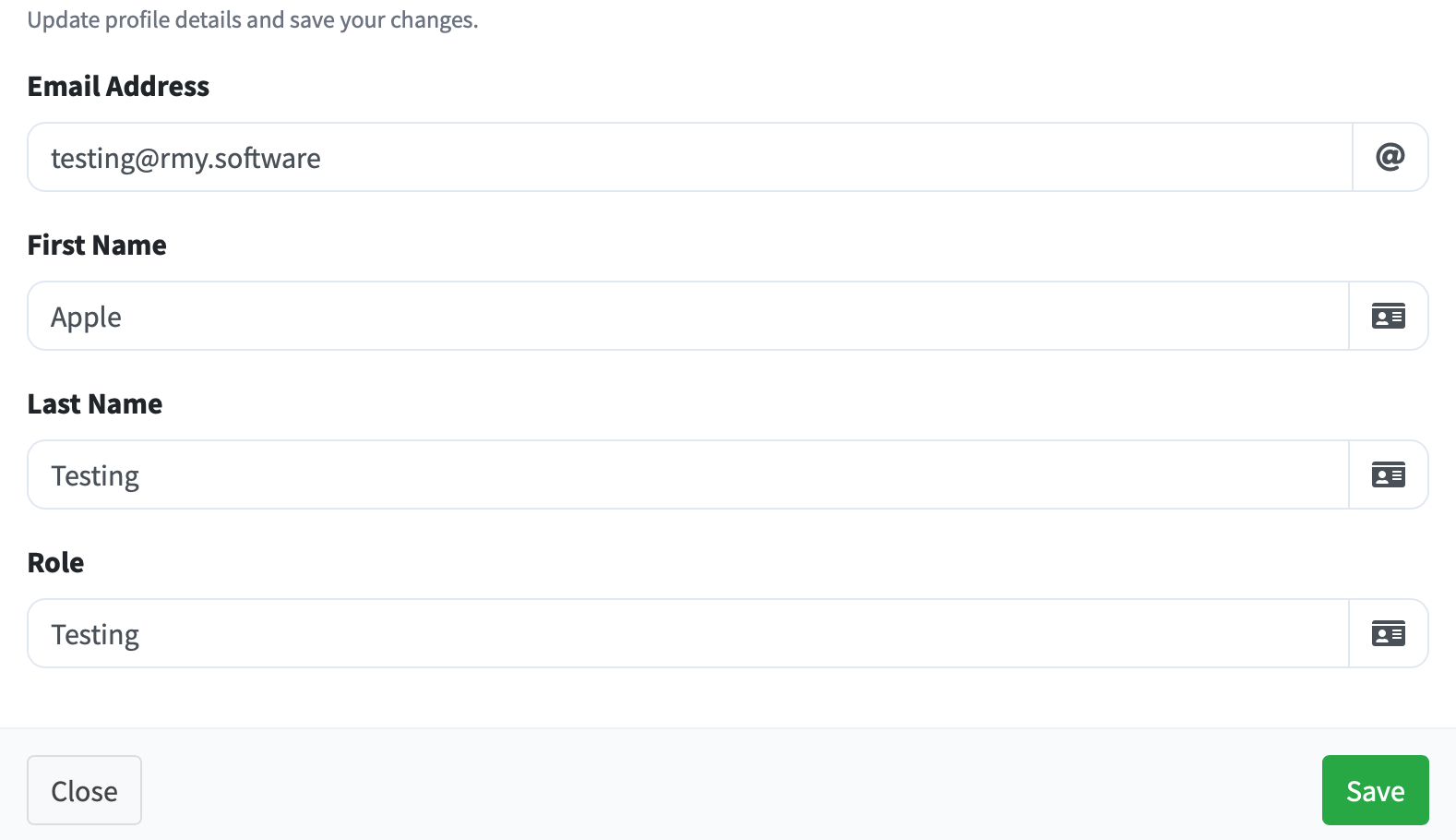
This will then allow you to modify any of the information shown in this box. Once completed - click ‘Save’.