
To edit permissions to a recording type, use the top-right menu and choose ‘Customisation’.
Under ‘Recording Types’…
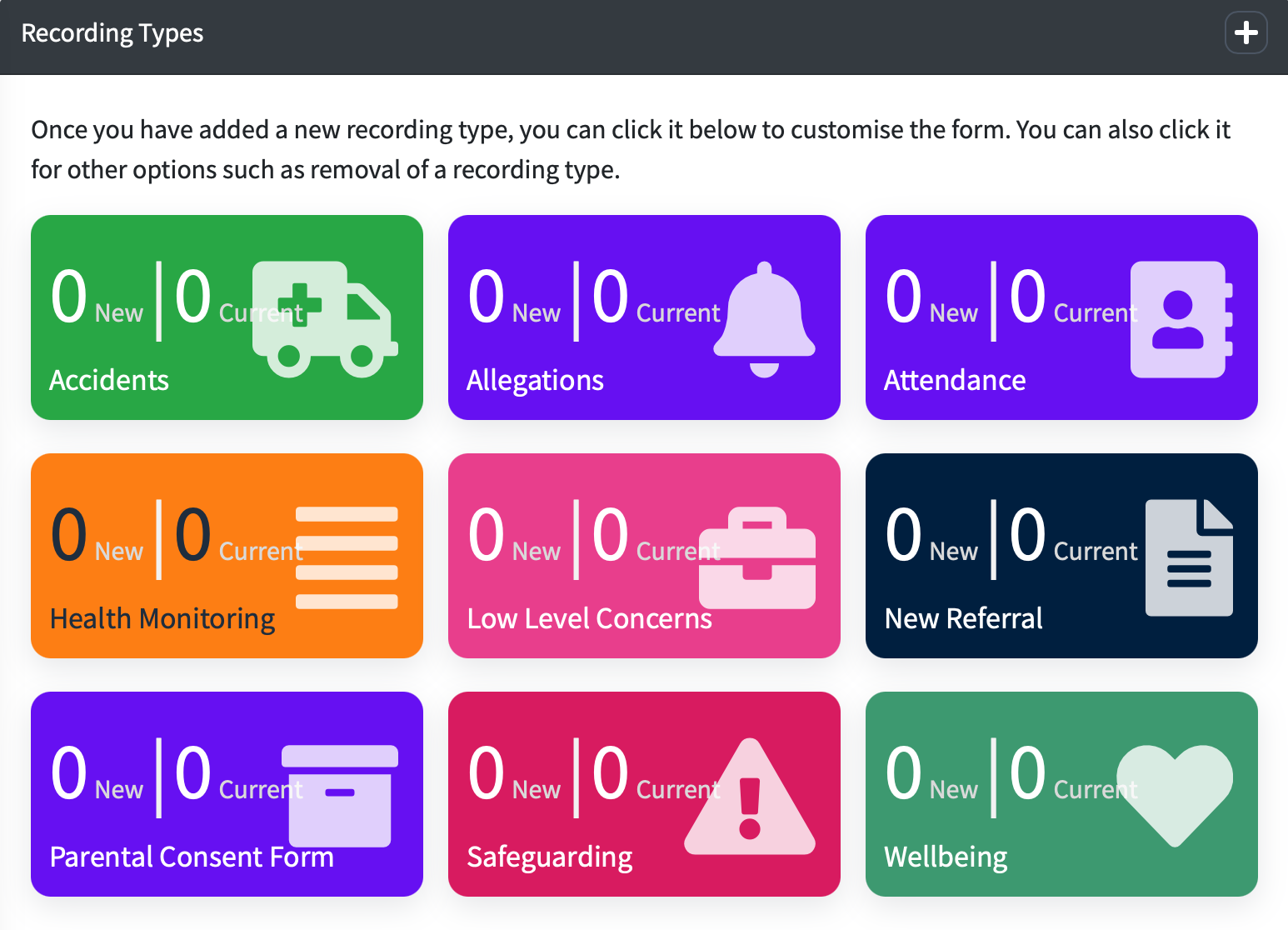
You can click on the recording type you edit permissions for.
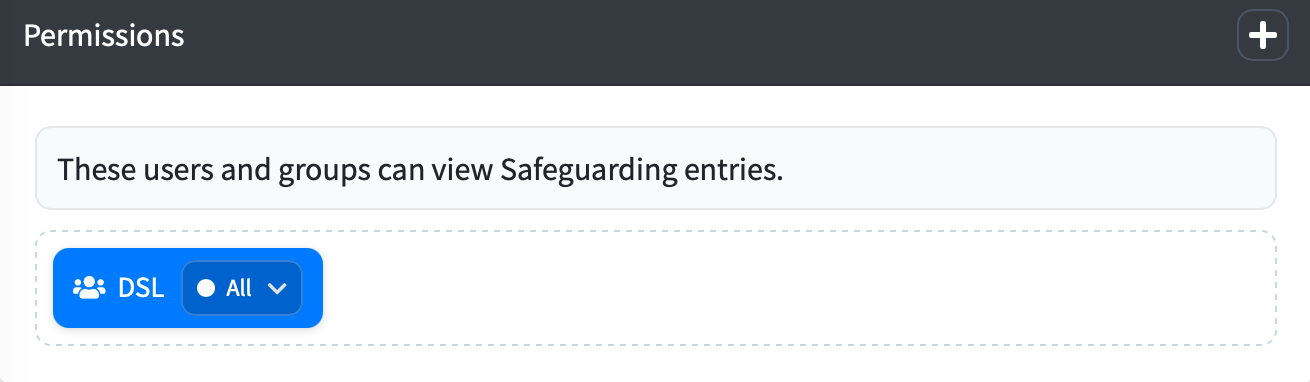
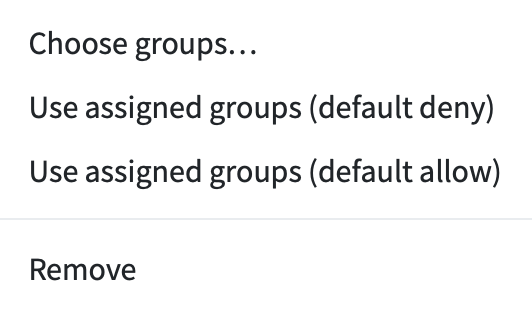
You can remove a user or group by clicking the arrow and choosing ‘Remove’
You can add a user or group to this recording type by pressing the '+' icon in the Permission section
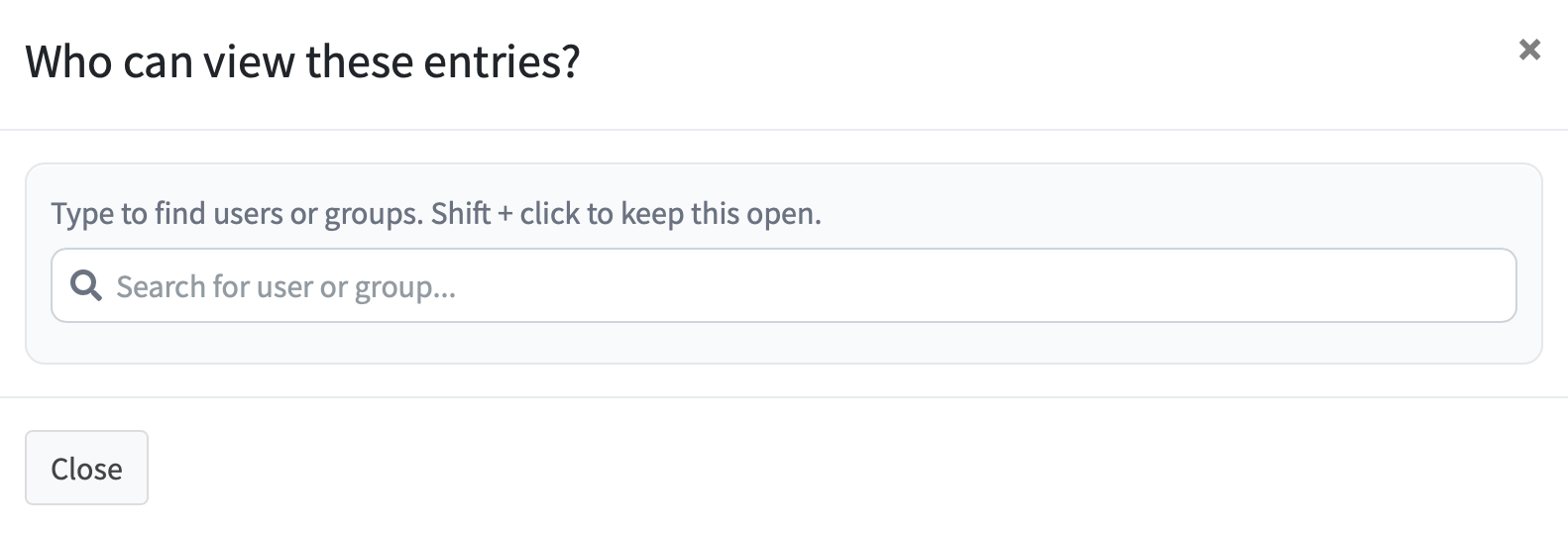
As you type a users name or group name they will appear and to add the permission, simply click on the user or group.