
To change an entry form, use the top-right menu and choose ‘Customisation’.
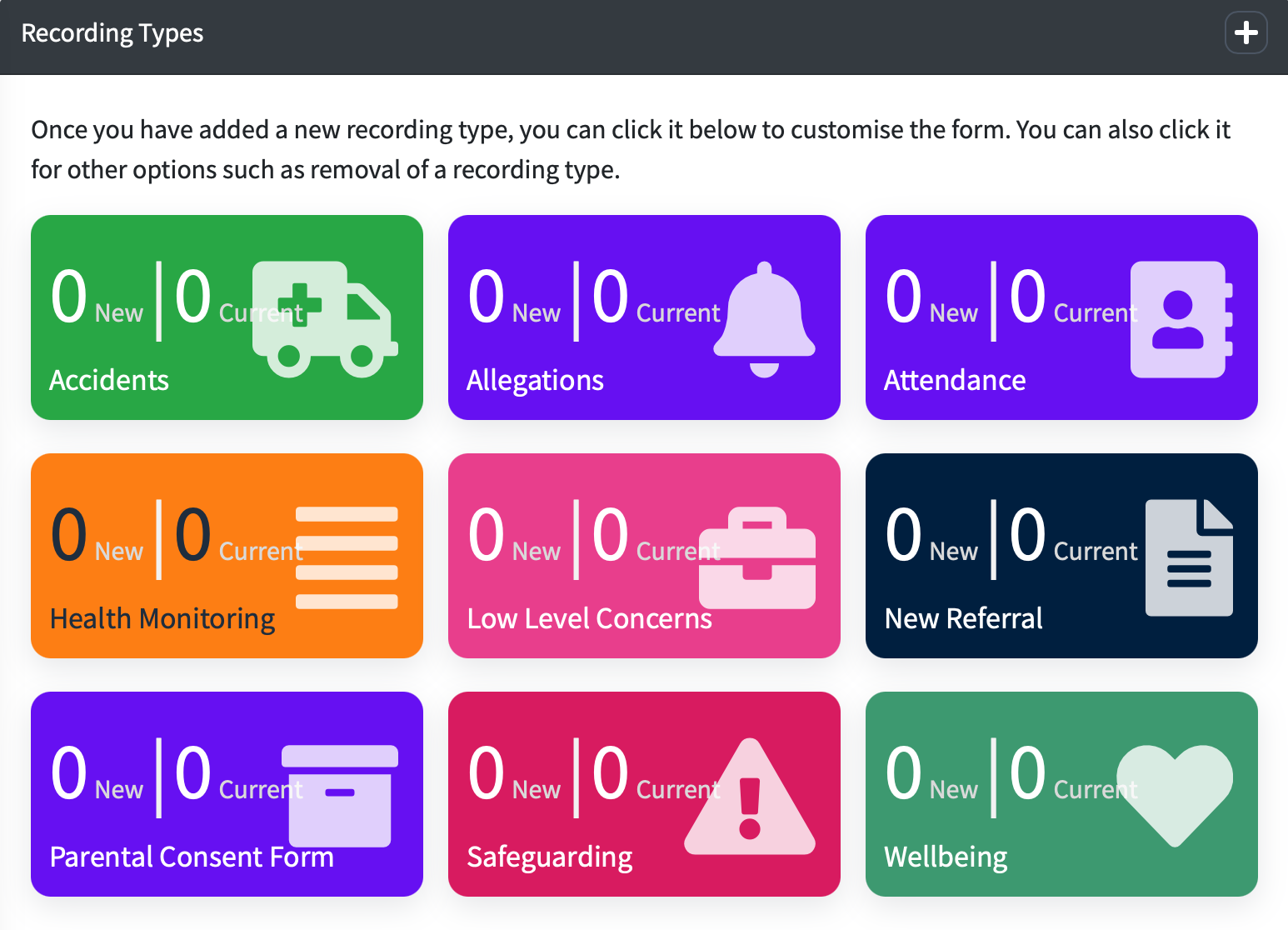
Under ‘Recording Types’…
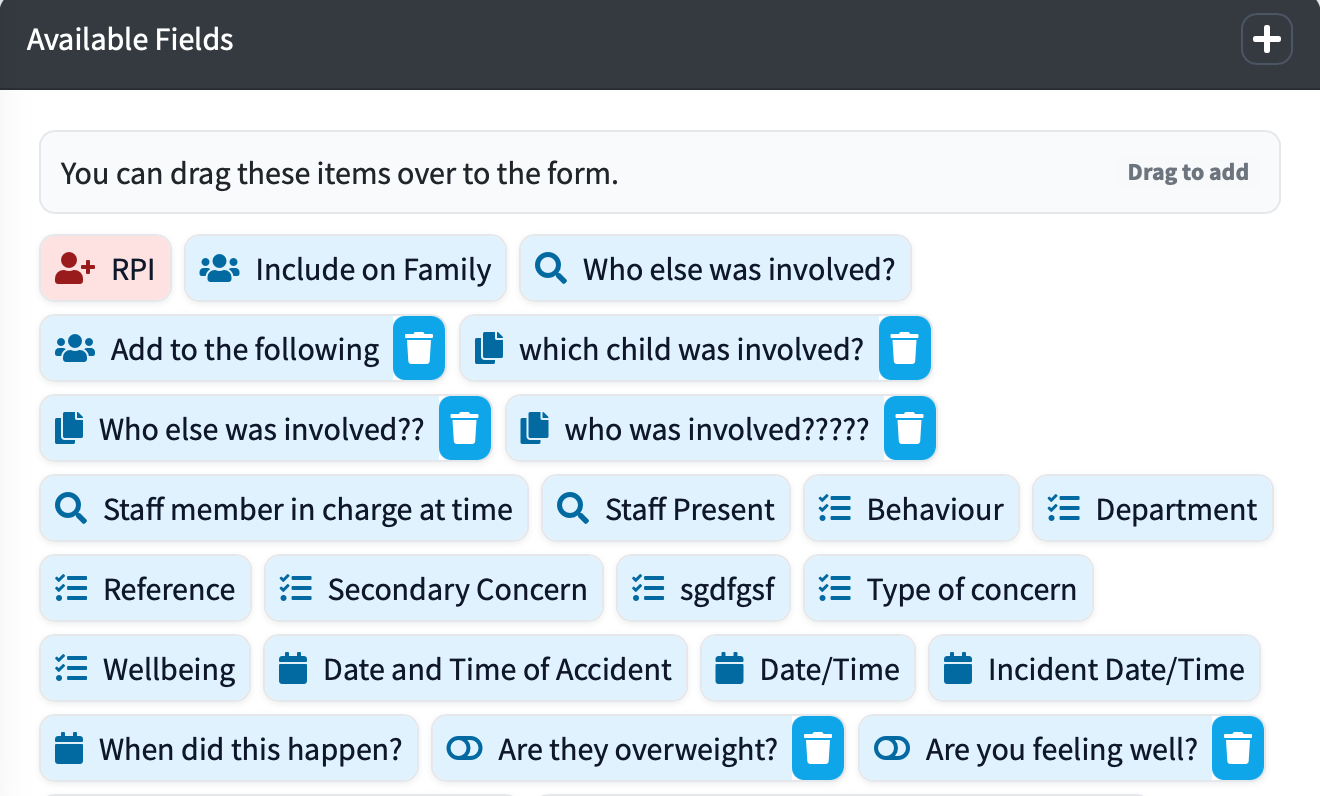
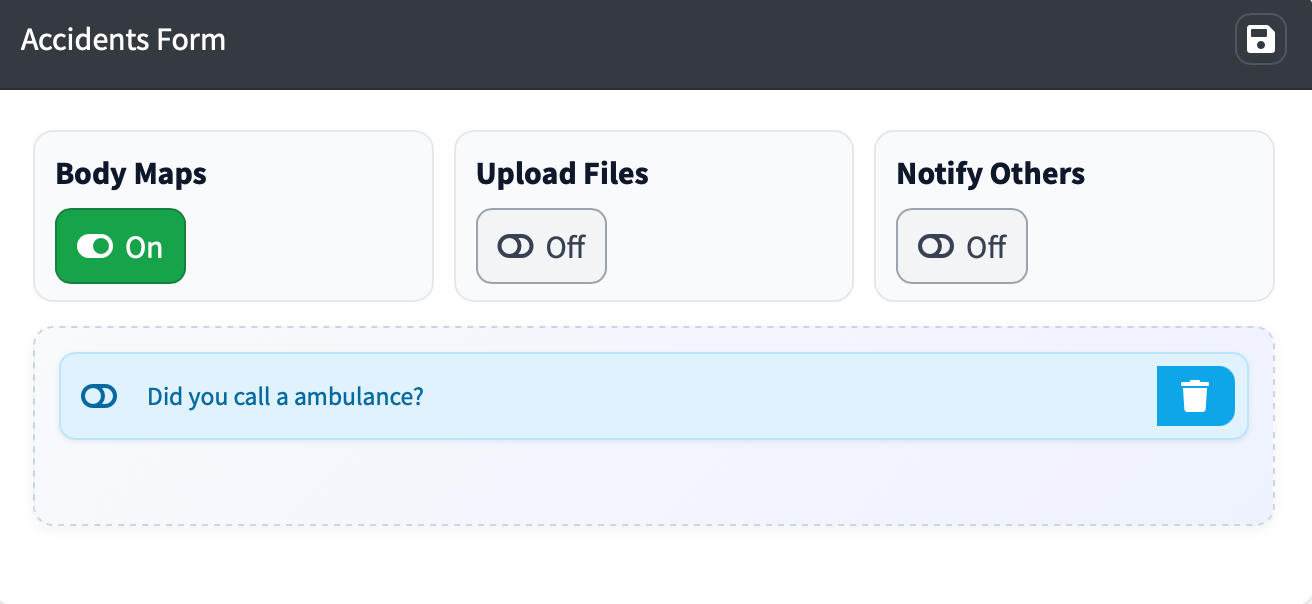
There are two sides, one with ‘Available Fields’ and the other is your Recording Form.

You can drag fields from the available section to the form. You will see category sets too and these can be dragged over to the form.
You can re-order items on the form by clicking and dragging.
At the top of the form you can choose to allow Body Maps, File Attachments and Allow Notifications to other users.