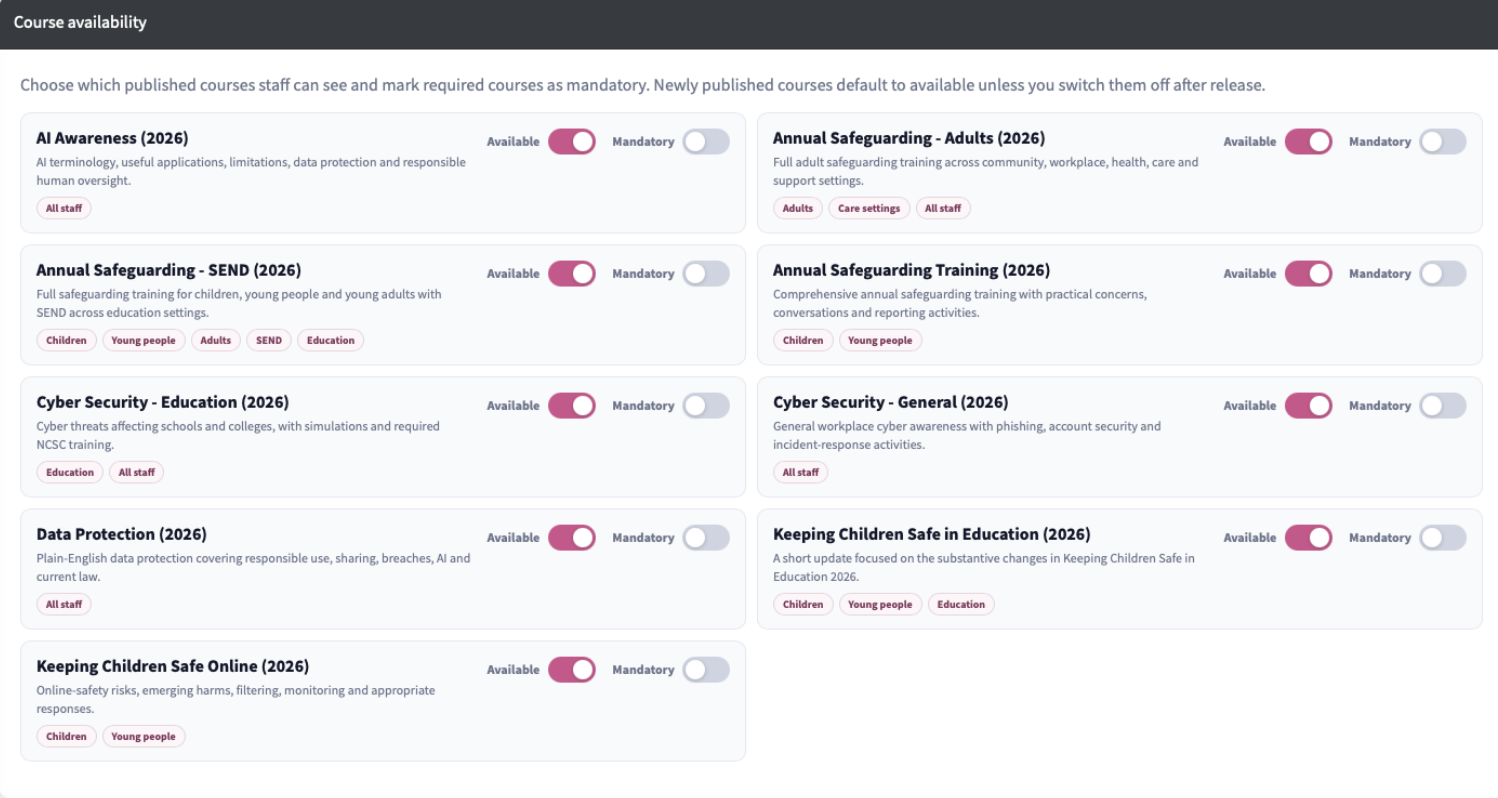
You can access the e-learning manager to control which courses are available or mandatory to your users.
You can toggle course ‘Availability’ - if this is switched off the course will not be available in the users e-learning section. Any course with the ‘Mandatory’ toggle on will put the course at the top of their list and will have a ‘Mandatory’ mark next to it.
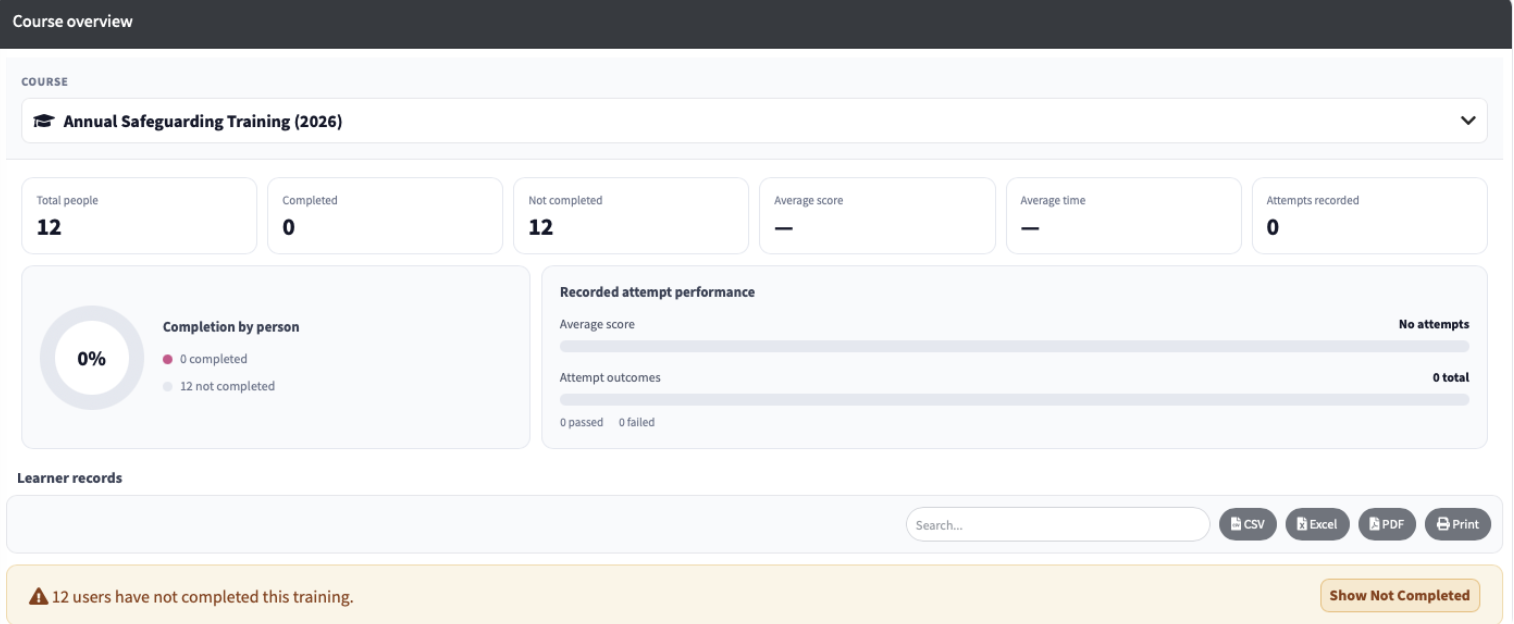
Below this you will be able to see statistics for each course and a list of staff who have completed other not completed it.