
From time to time, you may need to download your Chronology. You can do this in a PDF format by following these simple steps:
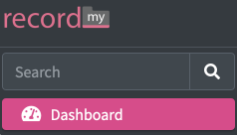
First, search for the person whose chronology you would like to view, by using the top or left search bar on the dashboard, shown here. Once you have located your person - Click the green ‘eye’ symbol on the right hand side under ‘actions’ to access as shown below.

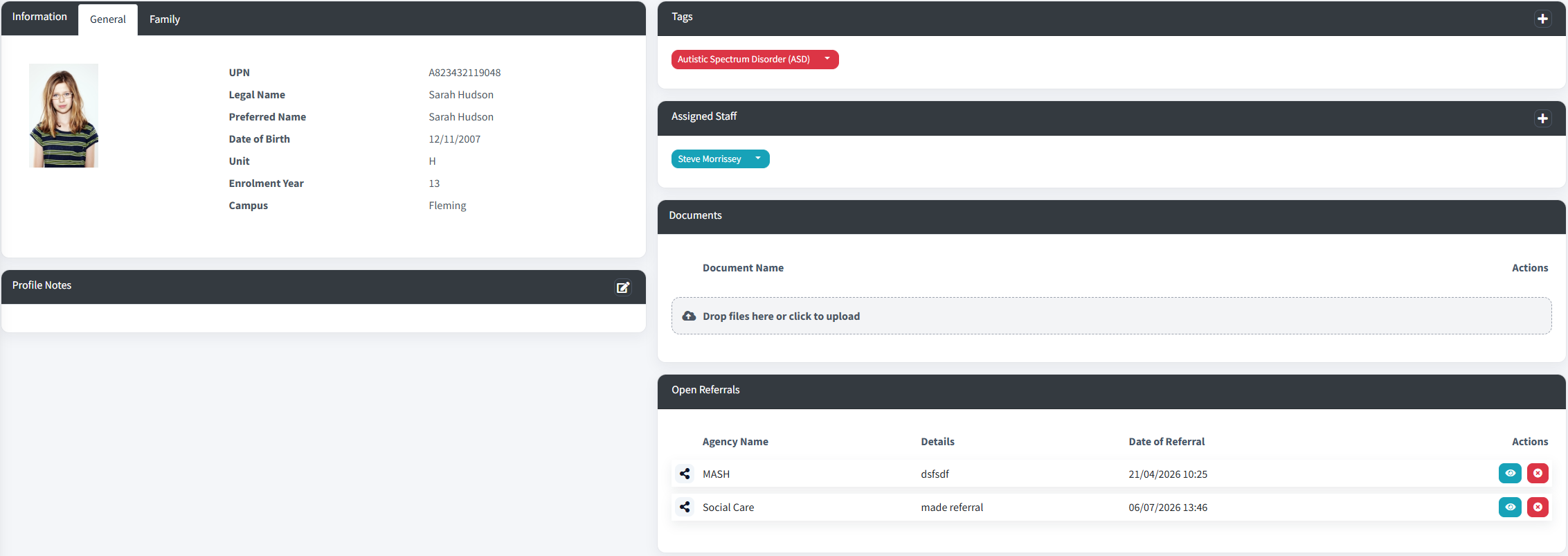
At the top of the screen, you will see the following options. They look like this:

Click 'Download PDF’.
You can then select which chronologies you want to include. You can select one or any combination.
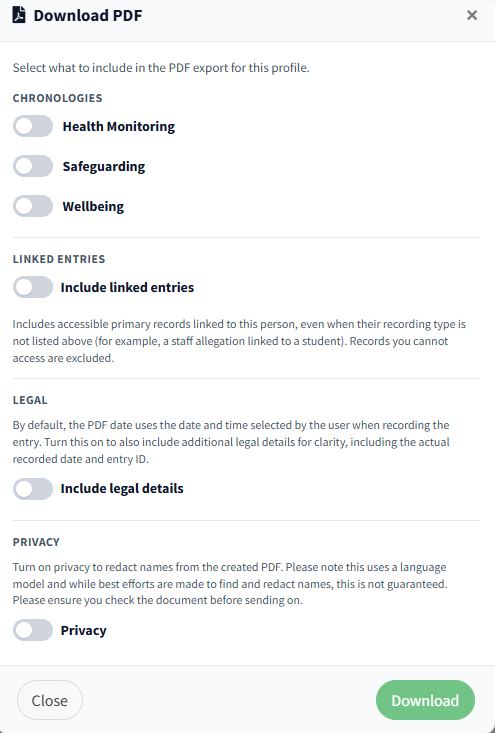
Document legislation
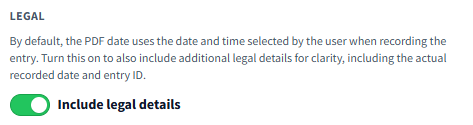
By default, the PDF date uses the date and time selected by the user when recording the entry. Turn this on to also include additional legal details for clarity, including the actual recorded date and entry ID. Once switched on it should be seen as shown:
Document Redaction
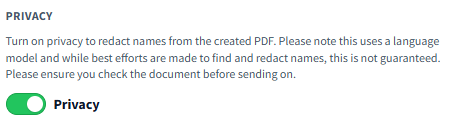
If you would like to redact to your chronology for any reason, scroll down to the bottom under ‘Privacy’ and toggle until it is green and shows ‘Yes’. Please be advised that this uses a language model and is not always 100% accurate. Please ensure you still proofread your document before submitting to the relevant parties. It should look like this:
Once you have selected all necessary chronology options, click ‘Download’ and within a few seconds the PDF will automatically download.: