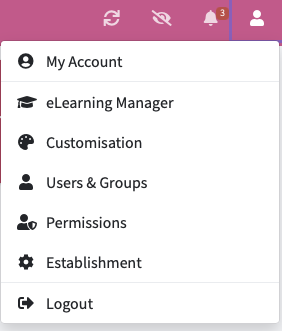
To be able to change your chronology layout - Select the ‘Customisation’ tab option in the top right hand corner of your account.
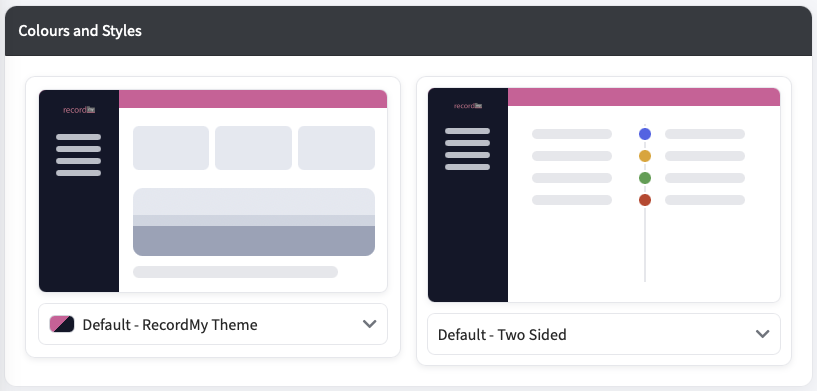
RecordMy offers two types of chronology: Single and Default. The Single option displays entries in a vertical list with the latest entry at the top. The Default option splits the view into two sides, showing new recorded entries on the left and actions on the right.