
To edit notifications for a recording type, use the top-right menu and choose ‘Customisation’.
Under ‘Recording Types’…
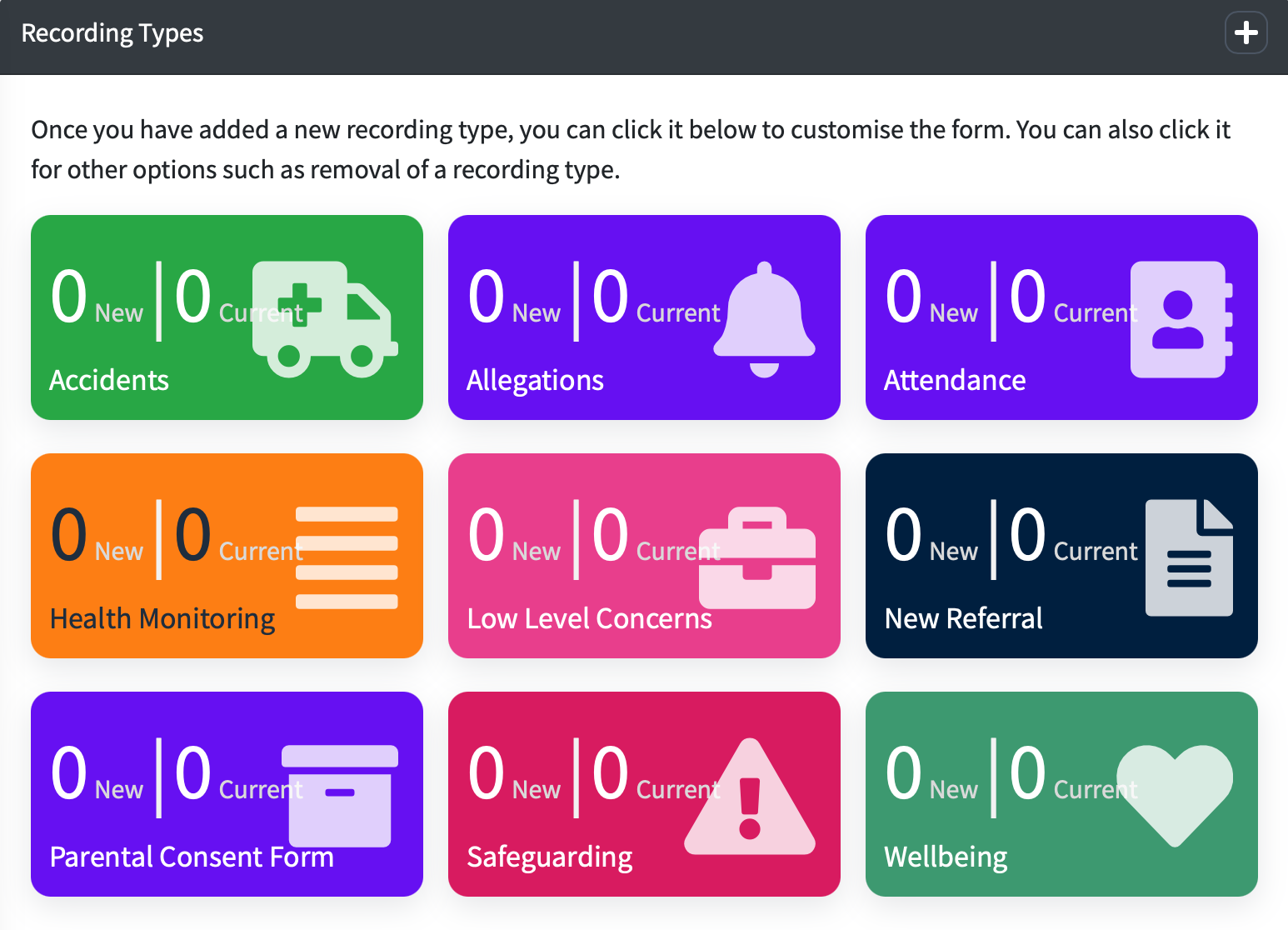
You can click on the recording type you edit notifications for.
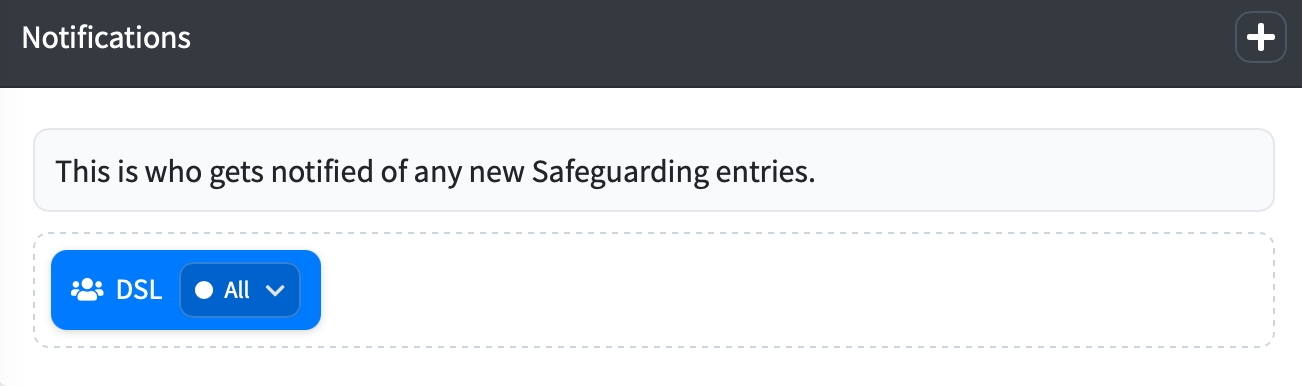
You can remove users or groups from this notification section and they will no longer receive alerts via the dashboard or email. Click the arrow and select ‘Remove’ to do this.
To add a user or group to notifications for the recording type click the '+' icon in the Notifications section.
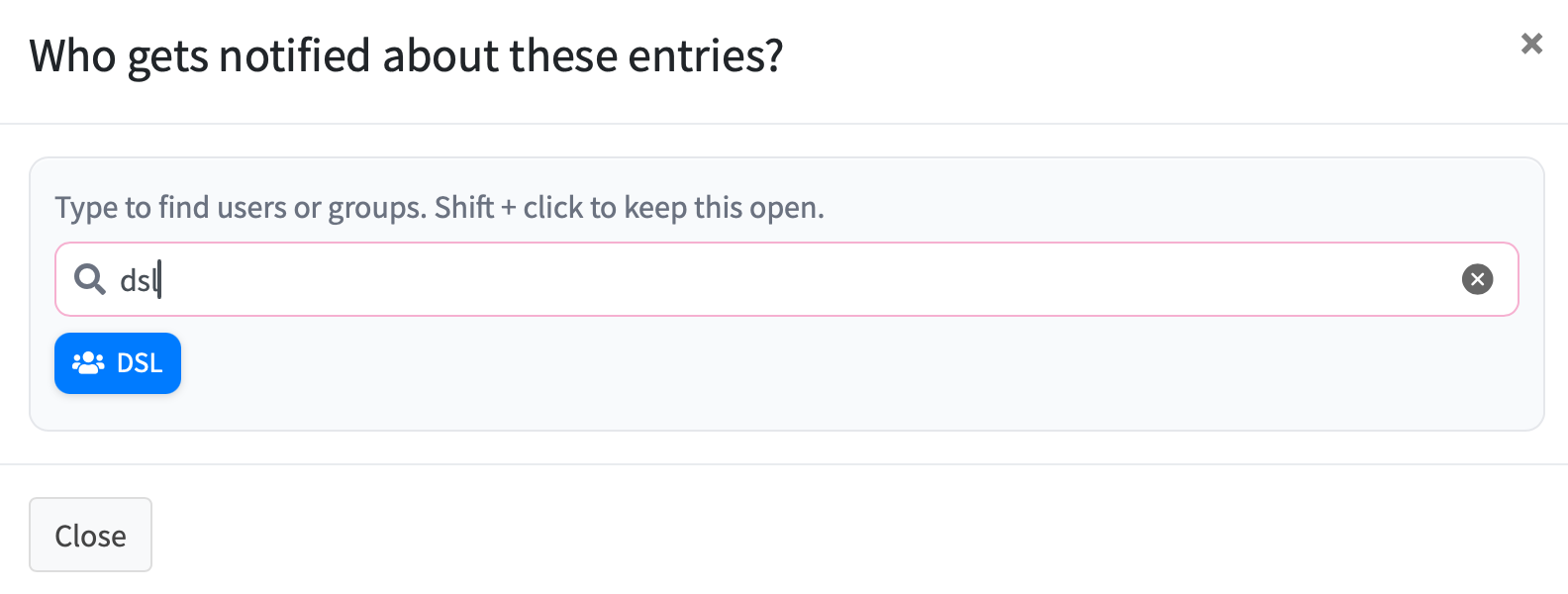
As you type a users name or group they will appear. Click on the one you want to add, then press close.