
Tags are great for identifying groups of people and even for reporting purposes. RecordMy has a ton of tags built in from safeguarding related to SEND. You can even add your own tags in the customisation section.
Some tags are automatic and come from your own management information system (MIS or SIS).
To add a tag to a person simply search for a student by ID or name and click ‘View’.
In the top section you will see any current tags.

Click the '+' symbol in the top-right hand corner of the Tags section.
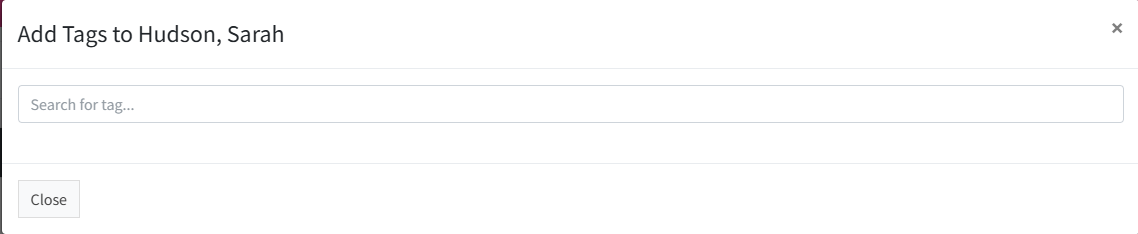
You can now search for any tags by starting to type in the box. Tags will appear as you type.
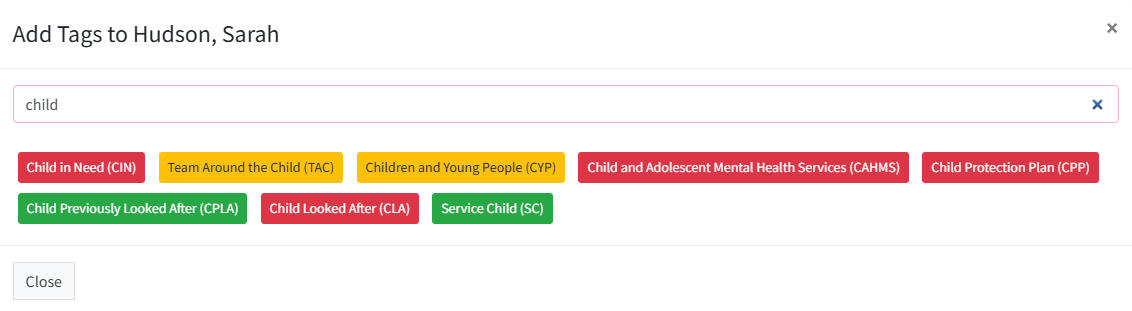
When you find the one you want to add, simply click on it. Remember when you add a tag, we will record when it was added for reporting purposes.