
You can create and edit your own category lists. In the top-right hand menu, choose ‘Customisation’.
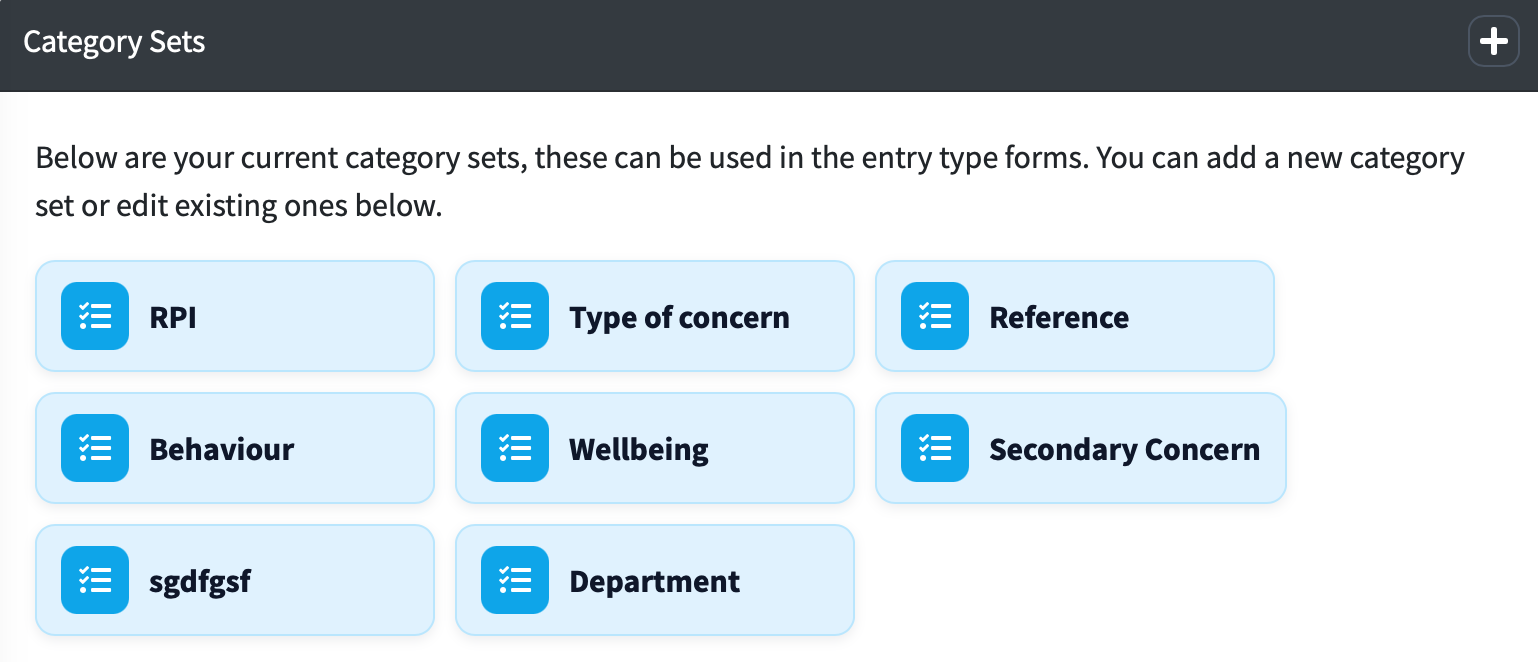
Under ‘Category Sets’ you can click on the one you wish to edit. You can also add a new category set by clicking the '+'.
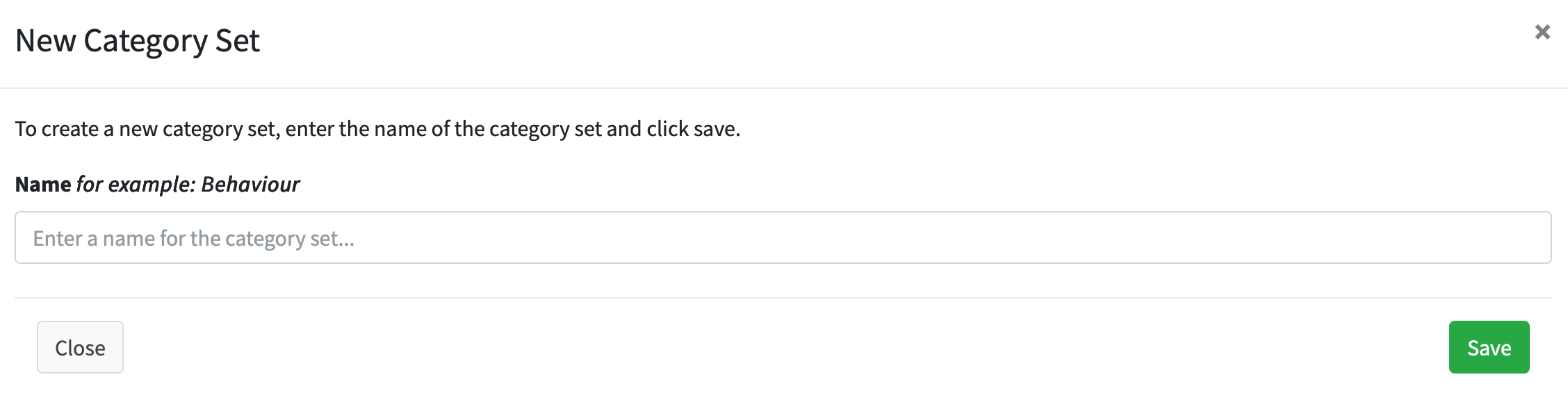
If you add a new category set, just enter the name and press ‘Save’
When you click on a category set you will see two sections - 'Available Categories' and 'Applied Categories'.
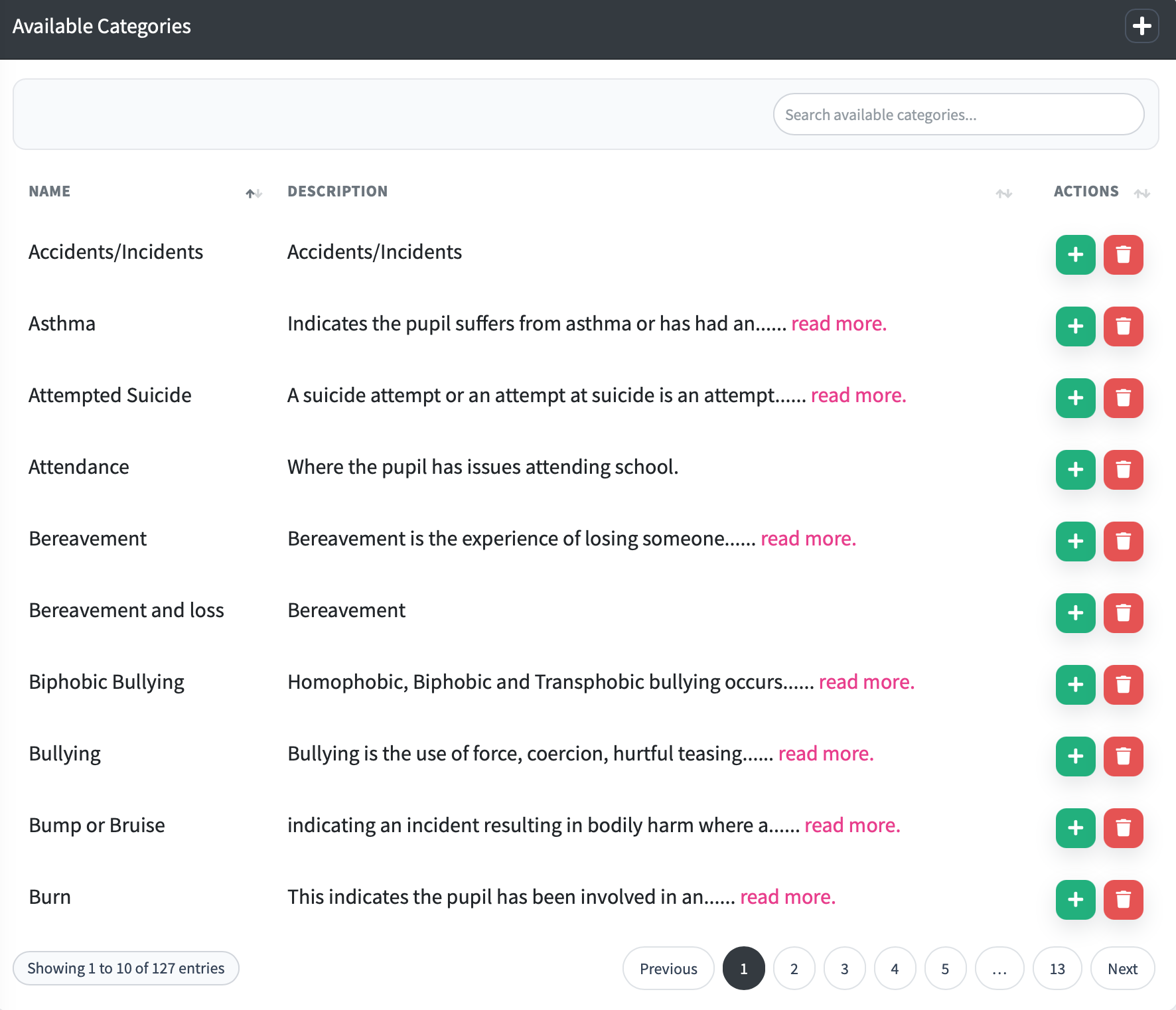
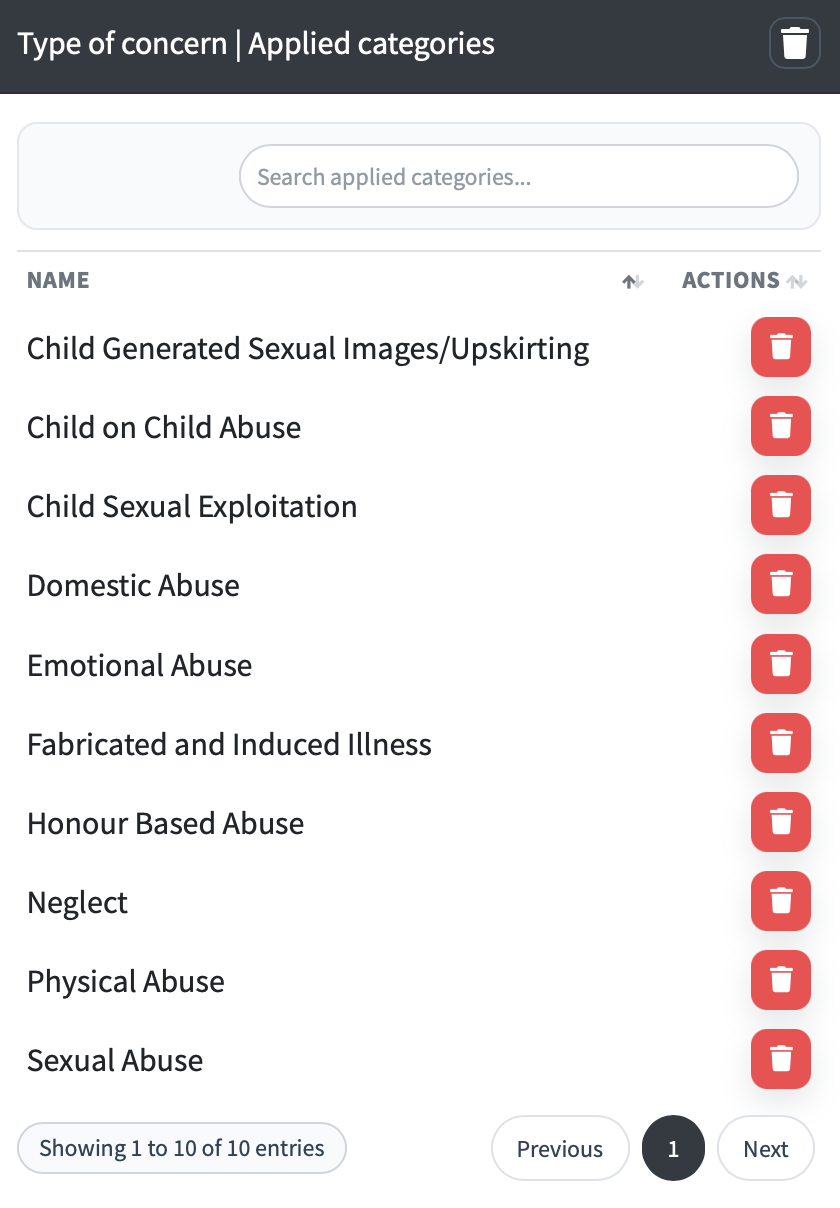
The 'applied category' section is the ones that are added to the category set and the 'available categories' are the ones you have available.
To add a category from the available list, click the green + button. You can also delete these default categories with the red bin button.
To remove a category from the applied list, click the red bin icon.
If the category does not exist you can also add your own categories to the ‘Available Categories' section by clicking the '+' icon.
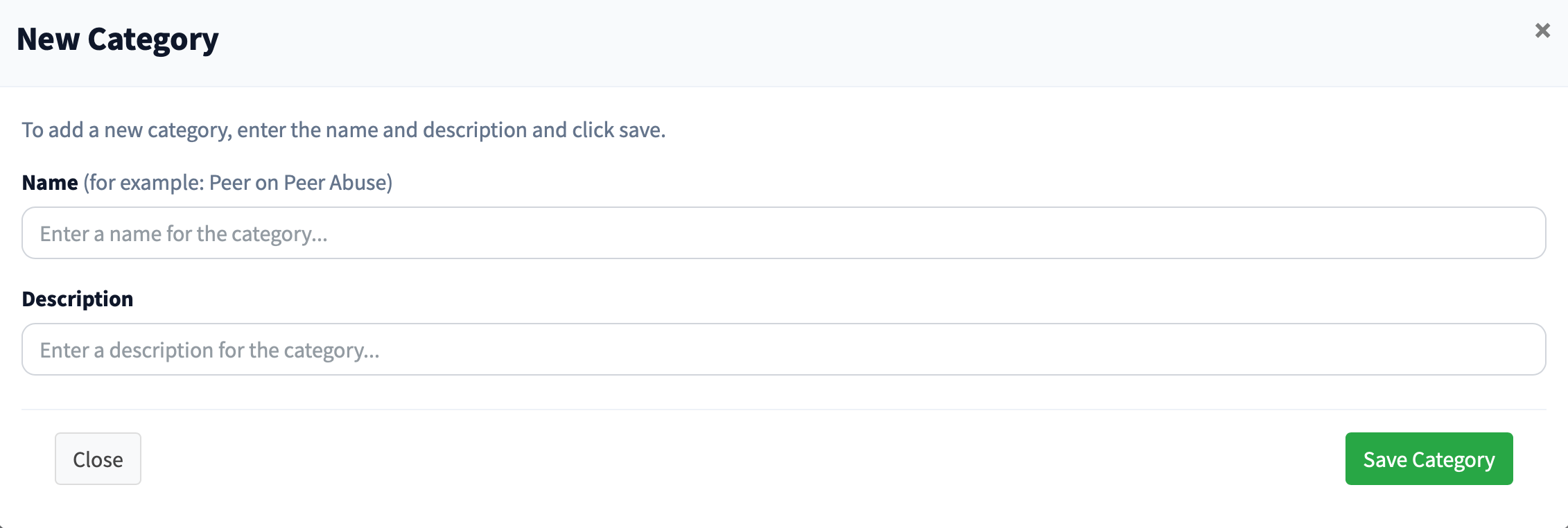
You need to enter and name and description here, they can be the same if you don't want more detailed descriptions for your users.
You can delete the entire category set if it is no longer needed by clicking the bin icon in the heading ‘Applied Categories’.

