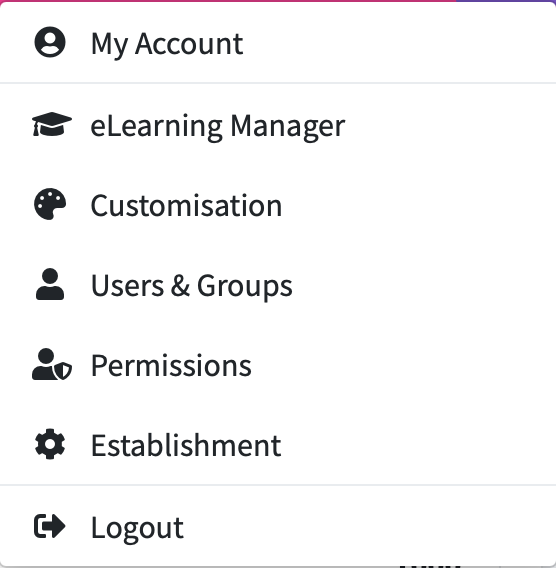
To add a new custom tag to the system, go to the ‘Customisation’ option in the top right hand corner.
Under ‘Custom Person Tag’ click the '+' icon.

You will now have a form to complete.
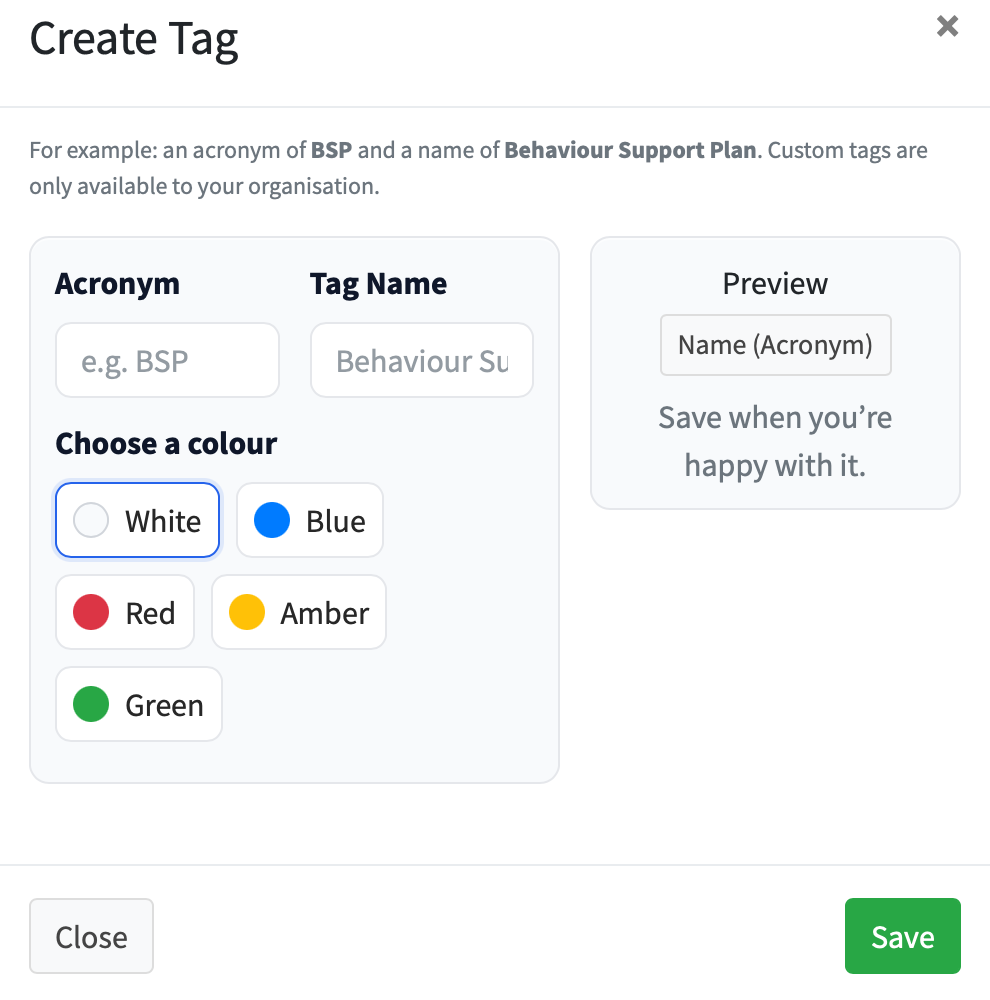
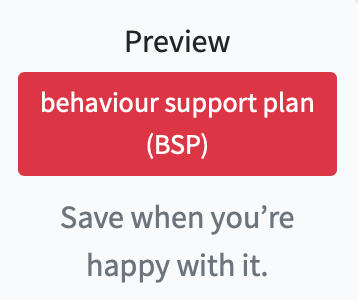
Enter an Acronym, Tag Name and choose a colour. You will see a preview of what your new tag will look like.