
To change an entry form, use the top-right menu and choose ‘Customisation’.
Under ‘Recording Types’…
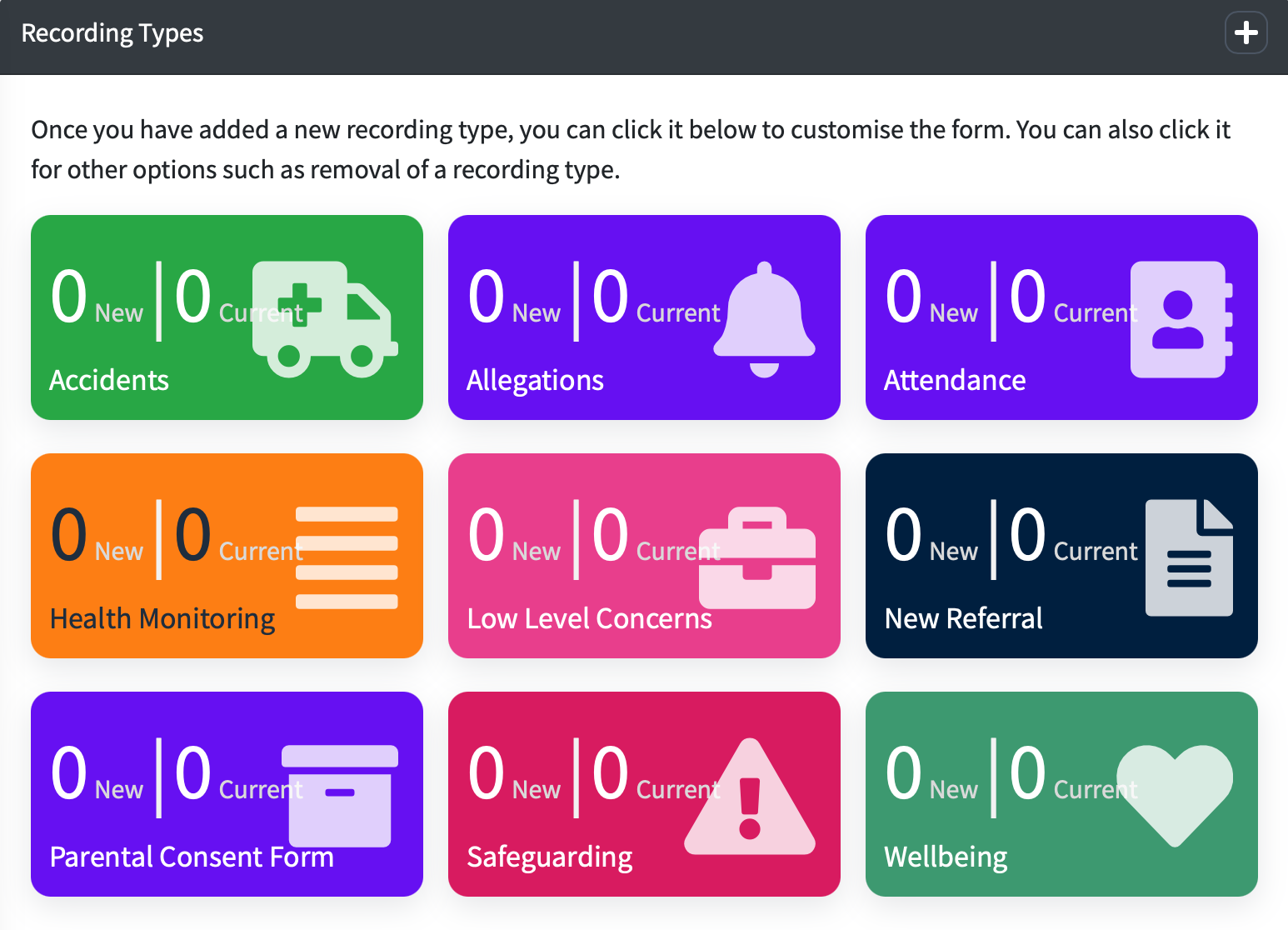
You can click on the recording type you want to add or change actions for.
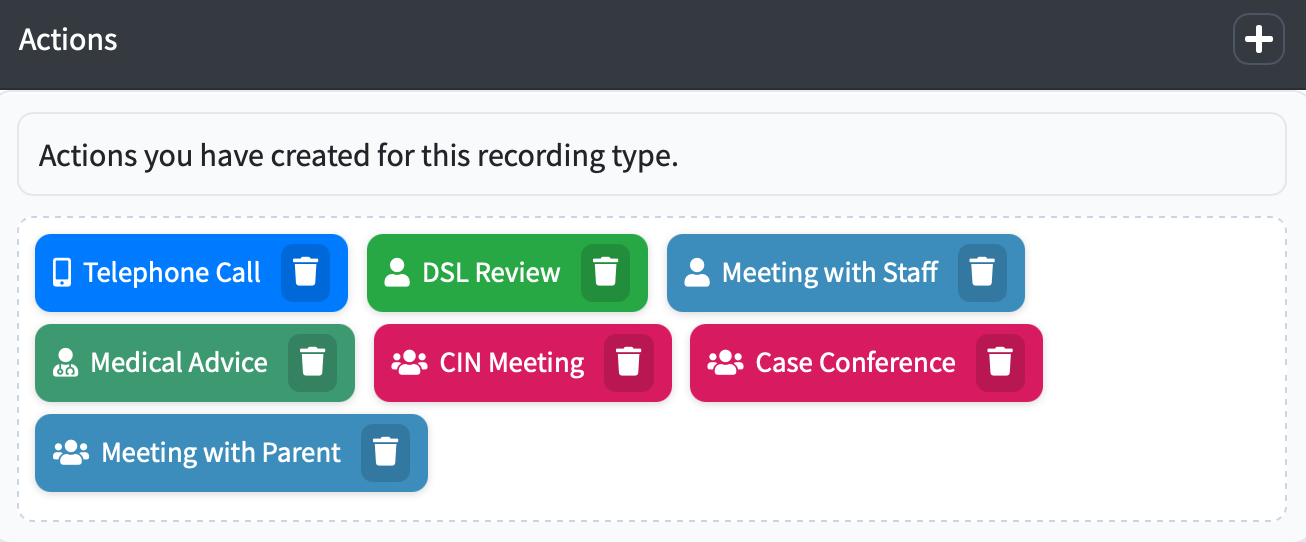
Under the actions section you can either remove actions or add a new one. To remove an action click the arrow icon next to the action and press ‘Remove’.
To add a new action, click the ‘+' icon in the 'Actions’ box.
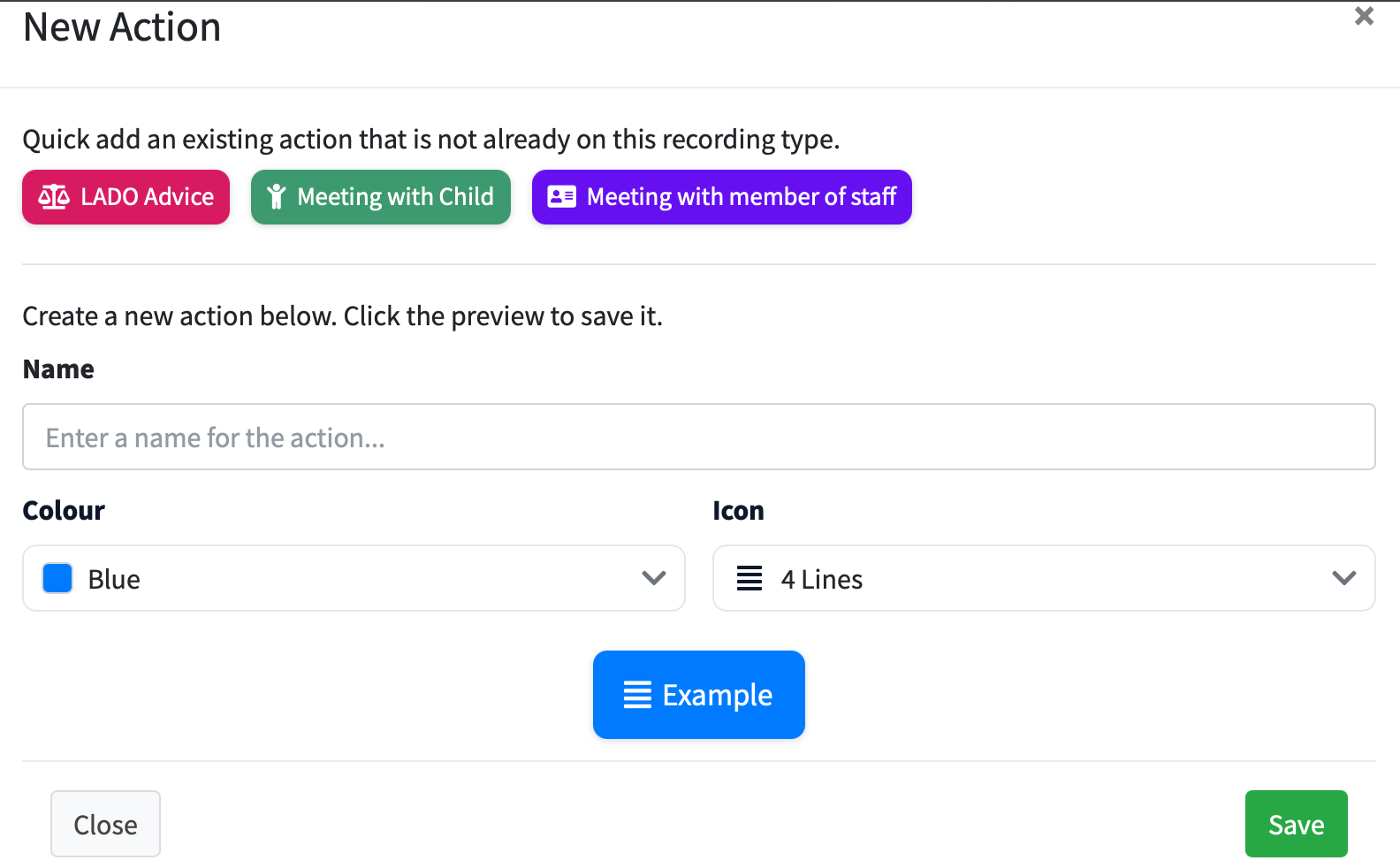
Complete the name of the action, choose an icon from the list and finally choose a colour.
When you’re happy with the action, click on the green 'save' button to add.