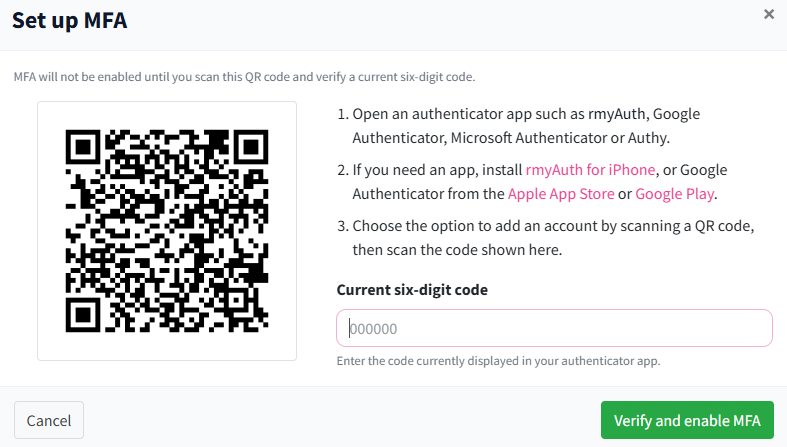
MFA gives you a highly secure way of accessing RecordMy. When a user logs into RecordMy, they will be asked for their email address and a password. With MFA enabled they will also be asked for a 6 digit number and this number changes every 30 seconds. The user can access their 6 digit number on another device like their mobile phone via an appropriate app.
How do I setup MFA for a user?
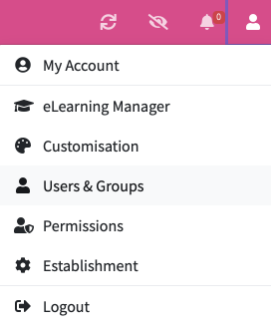
Access ‘Users & Groups’ by clicking on the tab in the top right hand corner of your account.
You then enable ‘MFA’ by toggling your button until it shows green to indicate it is switched on, as shown below.

How do I setup MFA for a myself?
Access ‘Users & Groups’ by clicking on the tab in the top right hand corner of your account. You then enable ‘MFA’ by toggling your button you then have to authenticate yourself as shown