
In order to reset your password you need to access the log in page.
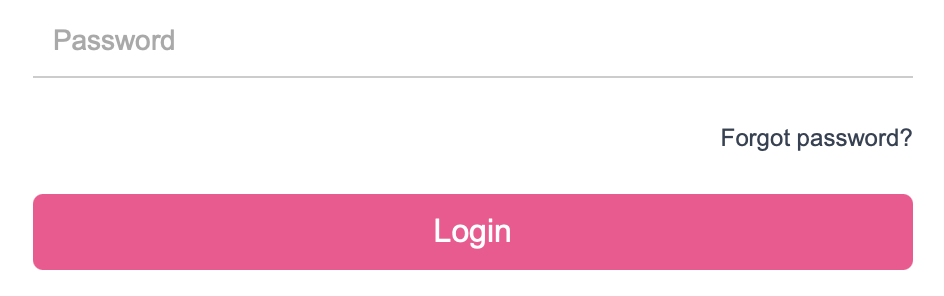
Once here - click ‘Forgot password?' at the bottom of the box. A message which appear asking you to enter your organisational e-mail address.
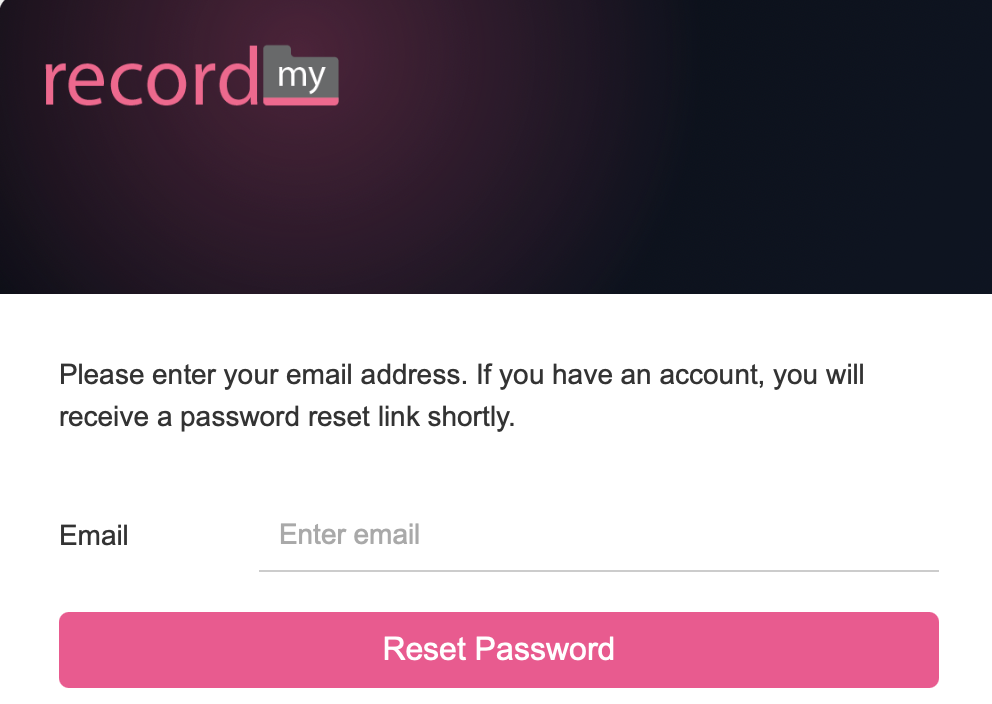
Once you have entered your e-mail address click ‘Reset Password’ in the pink box. You will then receive the next set of instructions via your e-mail inbox.
Click ‘Password Reset’ from the pink box in the e-mail. REMEMBER! The link that is sent to you is only valid for 30 minutes.
You will then be shown a new screen which will allow you to enter a new password.
you'll then be sent to a screen where you can reset your password
Click ‘Set Password’ once you have finished.