
When resetting someones password - you can either do this for them or they can do it themselves by directing them to our Customer support centre.

To send someone a password reset link you simply access this via ‘Users & Groups’. You can find this in the ‘My Account’ tab on the top right hand corner of the dashboard.
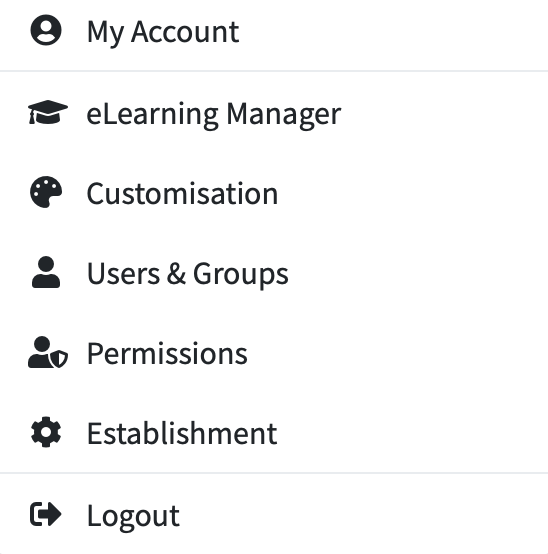
This will then display your list of users.
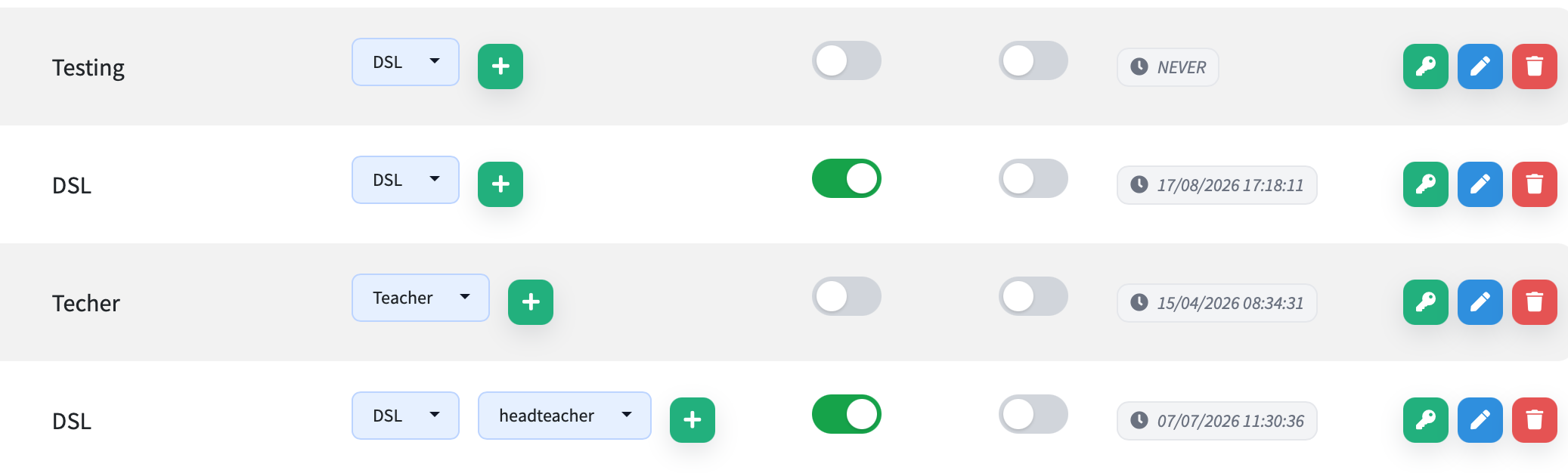
From here you can click the on the green key button on any user to send them a password reset e-mail.
You would then advise the user to follow the reset instructions that will have been sent to them via e-mail.