
In order to add a new user to your RecordMy system - just follow these really easy steps.
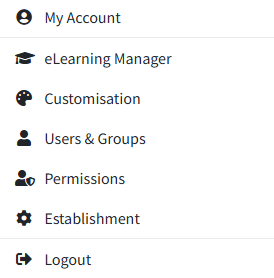
From the dashboard select ‘Users & Groups’ from the ‘My Account’ button on the top right hand corner of the screen.
This will now show you a list of users for RecordMy. To add someone, simply click the ‘+' icon in the top right hand corner of the blue 'Users’ bar.
Enter the relevant details into the box below and click ‘Save’.
Can I import a user from my MIS or SIS?
Click the cloud icon which is located next to the ‘+' icon in the blue ‘Users’ bar. This will take you to the ‘Import Users’ box.
You then just click ‘Get users’ in order to list users that are not already added to RecordMy. To add them click the 'Import’ button.