
If you are unsure how to log into RecordMy, follow these easy steps.
UK Customers
Visit app.recordmy.software.
International Customers
You will need to know your 3 letter country code and include that in the website address.
For example if you are in the USA you will log in by visiting app.usa.recordmy.software.
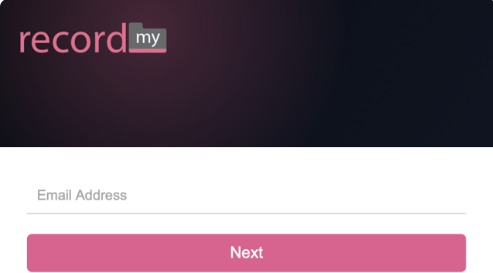
You will then see the login page. You first need to enter your email address and click ‘next’. If your organisation uses Single Sign-On then you will automatically be redirected to your organisations login page.
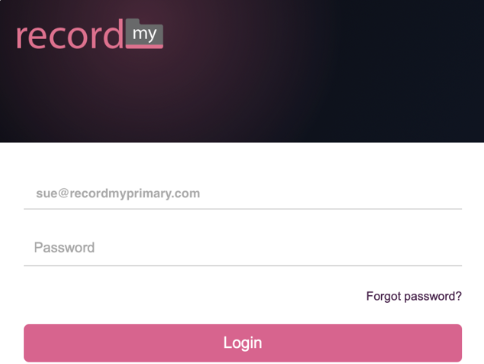
You will then be asked to enter the password. This is the one your set when you received your welcome email. Once you have entered your password, click ‘Login'.
Depending upon your account settings - you may now be asked to enter a 6 digit code. This means your manager has setup Multi Factor Authentication for you. This is a more secure way to access RecordMy and means each time you login you will be asked for a 6 digit code which is generated by an App on your phone. If you are asked for this, you will need to set up the RecordMy Authenticator app. or alternative such as Google Authenticate if using an Android device.