
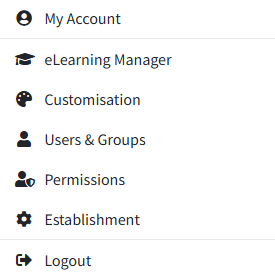
To change your password, login to RecordMy and click ‘My Account’ in the top right hand corner.
Under 'Login Details' You can now enter your existing password, a new password and retype your new password.
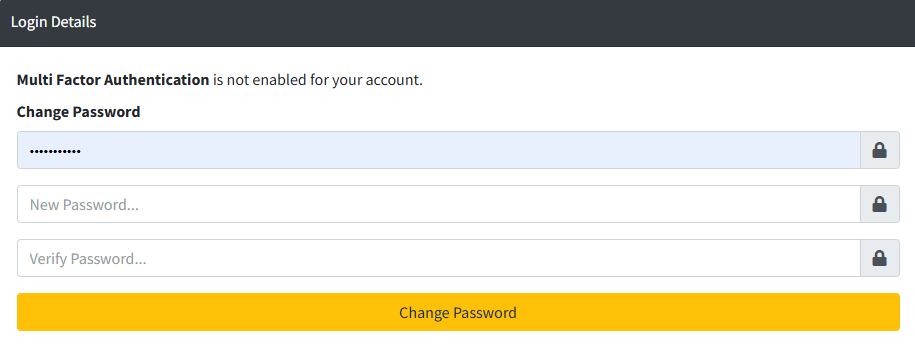
Once you click change password it will take effect immediately. Next time you login you will need to use your new password.