

If you have received an email to say information has been shared with you.
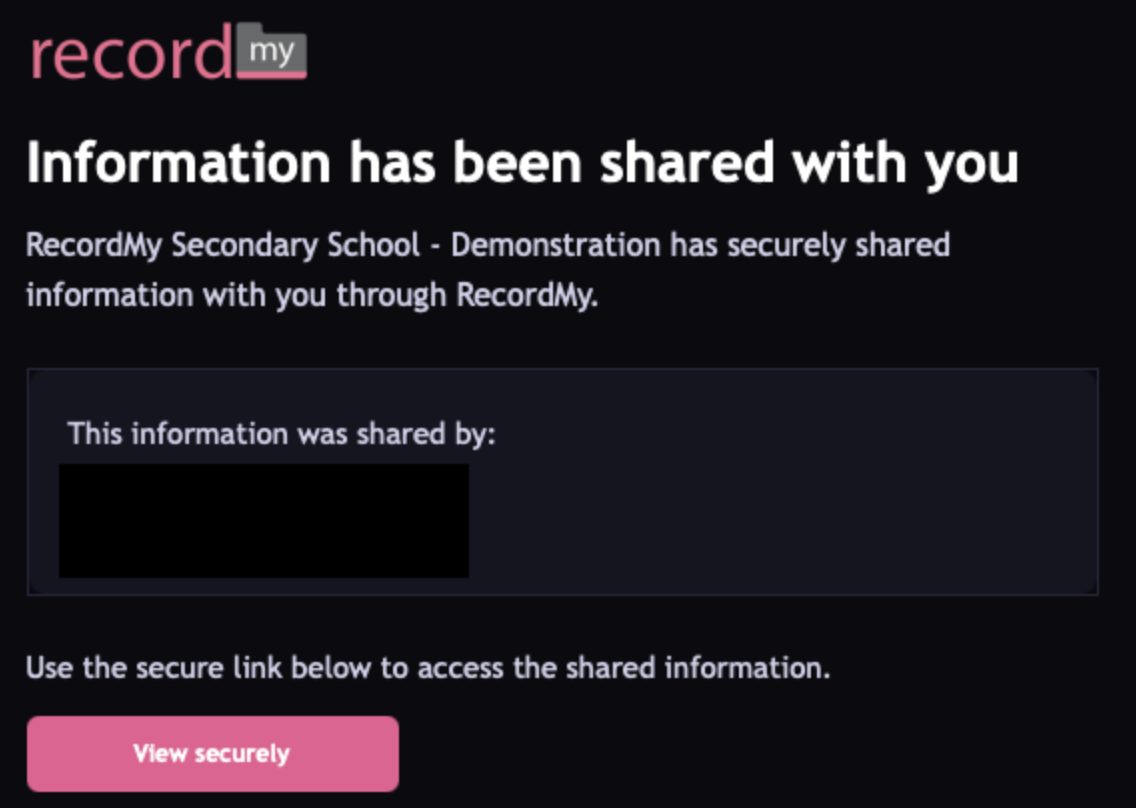
You can view this by clicking the “View securely” button in the email.
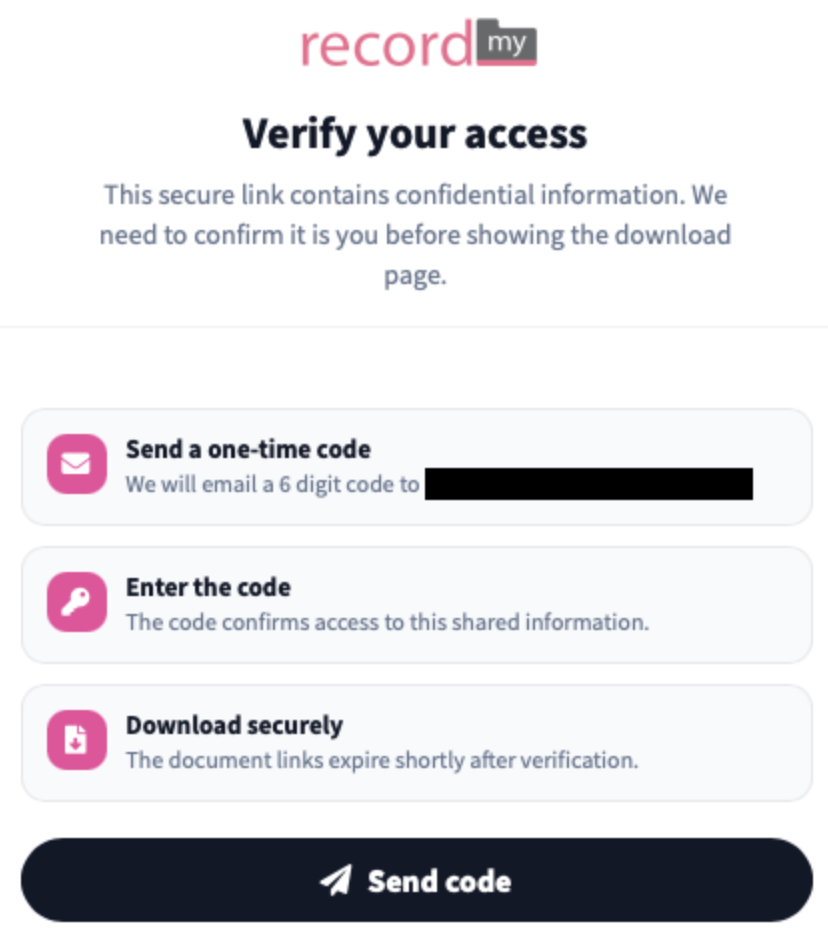
Clicking the link will take you to a verification page, you will need to click “Send code” and you will receive an email with a 6 digit code on.
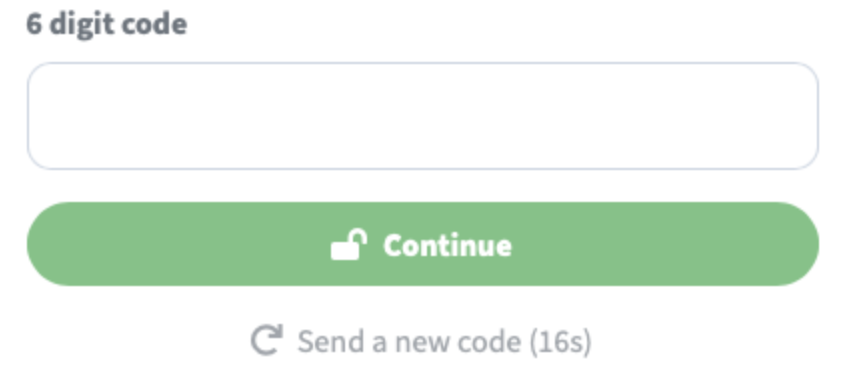
Once you have received the email with the 6 digit code, enter this in the box and press continue.
This will take you to our external sharing console which will show the information that is available to download.
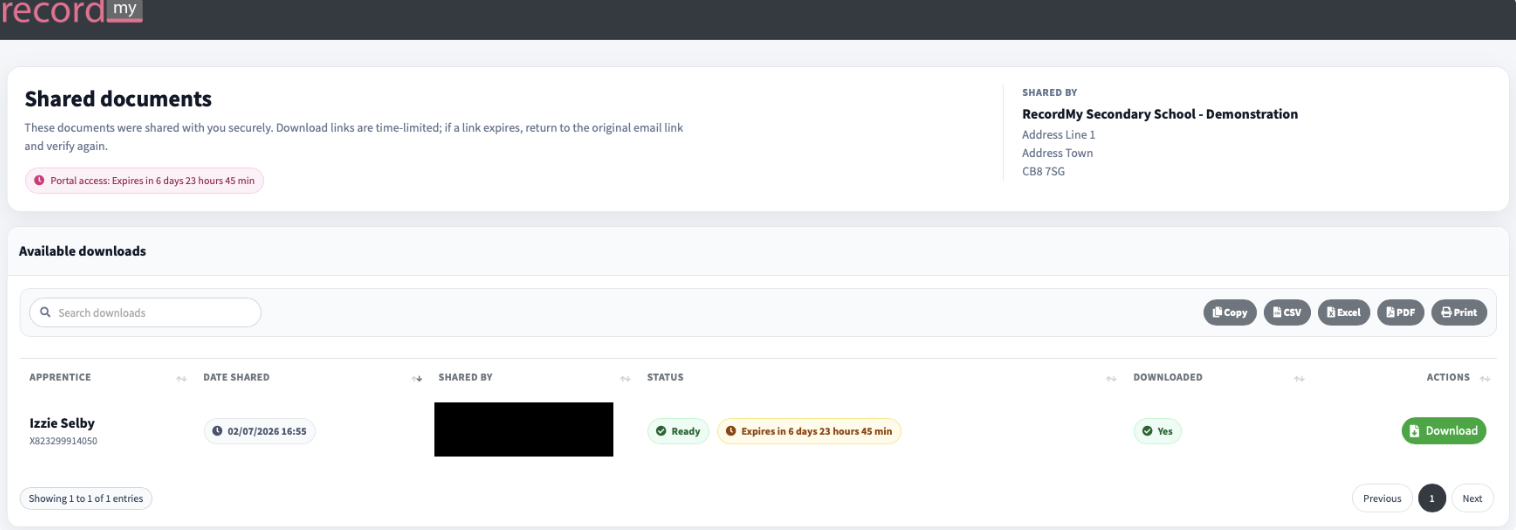
You can press “Download” and this will show you some additional details.
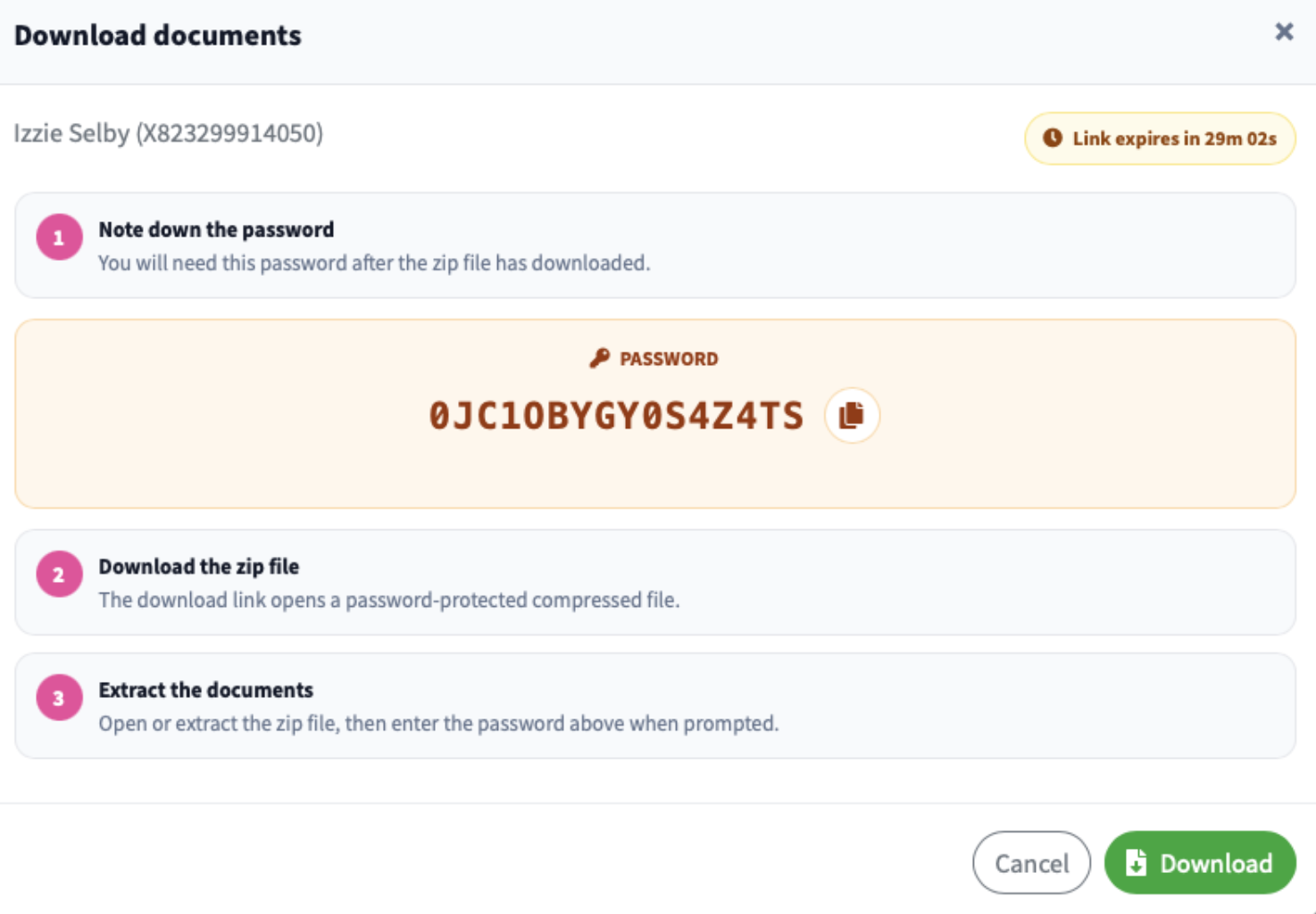
You can note down the password or use the copy icon to copy the password, then click Download.
This will be a secure compressed file (ZIP) and to extract the information you will be prompted for a password.
